ASUS XG Core Packs an RX 9060 XT Into a Tiny 144mm eGPU, but the 75W Cap Holds It Back
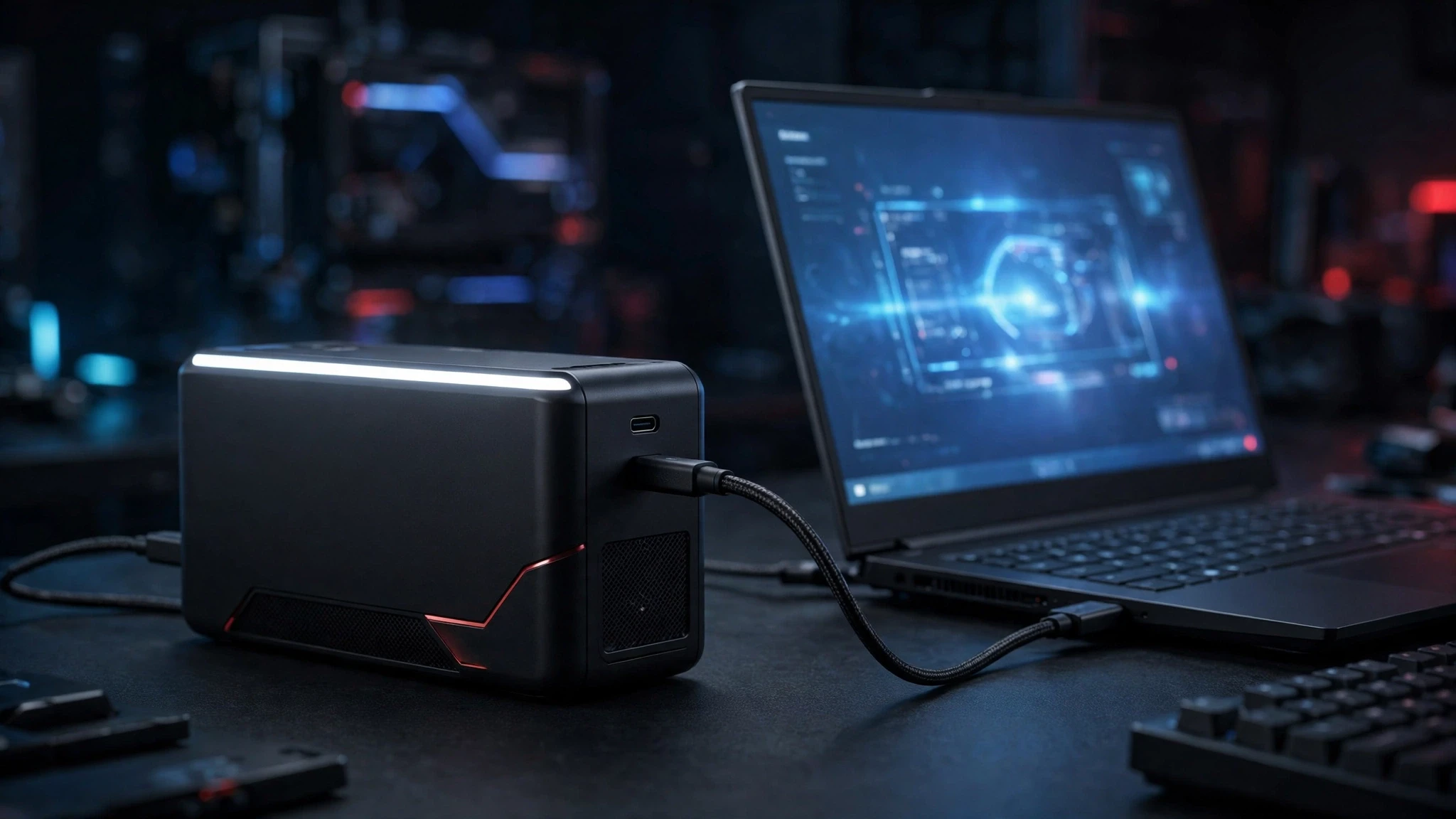
ASUS has a new external GPU, and it is small enough to disappear into a laptop bag. The ASUS XG Core packs a Radeon RX 9060 XT LP into a 144mm enclosure, which makes it one of the most portable eGPUs the company has ever built.
There is a catch, and it is a big one. The GPU inside runs under a strict 75W power cap, which is less than half the 160W TDP of a standard desktop RX 9060 XT. ASUS says the XG Core will “accelerate” gaming, content creation, and AI workloads, but the numbers on the spec sheet tell a more complicated story.
What ASUS Put Inside the XG Core
The XG Core uses the full Radeon RX 9060 XT discrete GPU, but in its low-profile form. ASUS shrank the card down to fit a chassis that measures just 144mm, and that tight fit forced serious compromises on power and clocks.
Here is what the enclosure offers:
- GPU: AMD Radeon RX 9060 XT LP (low-profile)
- Memory: up to 16GB, according to ASUS
- AI performance: up to 406.3 AI TOPS
- Video outputs: HDMI 2.1b and DisplayPort 2.1
- Host connection: USB Type-C at 40 Gbps
- Size: 144mm chassis built for portability
The 16GB of memory is the headline that matters most for longevity. Modern games keep pushing VRAM usage higher, and a 16GB card has far more headroom than the 8GB cards that still show up in budget laptops. If you want a sense of what this GPU class can do in games, our RX 9060 XT benchmarks show how the chip performs against its closest rival.
The Specs at a Glance
| Specification | ASUS XG Core RX 9060 XT LP | Standard desktop RX 9060 XT |
|---|---|---|
| Power limit | 75W | 160W TDP |
| Default clock | 1600 MHz | 1700 MHz base |
| OC mode clock | 1620 MHz | Boost up to 3130 MHz or more |
| Memory | Up to 16GB | 16GB |
| AI performance | Up to 406.3 AI TOPS | Not specified for this comparison |
| Host connection | USB-C 40 Gbps | PCIe 4.0 or 5.0 slot |
| Size | 144mm enclosure | Full-size dual-fan card |
All figures above come from ASUS and the Wccftech report on the launch. The clock gap is the number to watch: 1600 MHz default and 1620 MHz in OC mode, against a 1700 MHz base clock and boosts past 3130 MHz on regular desktop cards.
The 75W Cap Is the Real Story
A 75W limit changes what this GPU can do. The standard RX 9060 XT runs at a 160W TDP, so the XG Core version works with less than half the power budget. That is why the card runs below even the reference base clock, and why its boost headroom is so limited.
This is the direct cost of the tiny chassis. A 144mm enclosure leaves little room for cooling, so ASUS throttled the card hard to keep temperatures in check. The result is a GPU that shares the RX 9060 XT name but delivers noticeably less raw speed than the desktop card.
That does not make it useless. Wccftech notes that the regular RX 9060 XT can play almost every modern title at 60 FPS on ultra settings at both 1080p and 1440p. The XG Core will sit below that level, but it should still be a large step up from the integrated graphics in a thin laptop or a handheld.
Who the XG Core Is Actually For
This eGPU is not built for a desktop PC. It is aimed at laptops and gaming handhelds, where the built-in graphics are the bottleneck. If your laptop has a good CPU and a fast screen but weak graphics, an eGPU like this can turn it into a capable gaming machine without buying a whole new system.
The ideal buyer looks like this:
- You own a thin-and-light laptop or a gaming handheld with a USB-C port.
- You play at 1080p, or at 1440p with adjusted settings, not maxed-out 4K.
- You travel often and want a GPU that fits in a bag, not a full desktop setup.
- You also run AI workloads or content creation tasks that benefit from a discrete GPU.
If you already own a desktop with a PCIe slot, this product makes little sense. A regular RX 9060 XT will always be faster and cheaper per frame. The XG Core only earns its place when portability matters more than peak performance.
The Connection Bottleneck Nobody Should Ignore
Power is not the only limit. The XG Core connects over USB Type-C at 40 Gbps, which is far slower than the PCIe 4.0 or PCIe 5.0 interface a desktop GPU uses. That link will cost some performance in demanding games, especially at higher resolutions where more data moves between the CPU and GPU.
ASUS also gives the unit native HDMI 2.1b and DisplayPort 2.1 outputs, so you can plug a monitor directly into the eGPU instead of looping the image back through the laptop. That is the right way to use it, since it avoids extra bandwidth loss on the return trip.
Compared with the bigger ASUS ROG XG Station 3, which uses Thunderbolt 5, the XG Core trades speed for size and simplicity. The Station 3 is a dock built for maximum throughput, while the Core is a grab-and-go box built for portability. Buyers should pick based on which trade-off fits their setup.
Price and Availability
ASUS has not disclosed pricing or availability for the XG Core yet. That is the missing piece that decides whether this product is worth it. A small, portable eGPU with a throttled GPU only makes sense at a price that undercuts full-size eGPU docks and desktop cards by a clear margin.
Watch for the price before judging the product. If it lands close to a desktop RX 9060 XT plus a cheap dock, the value case gets thin. If it comes in well below that, it could be a smart buy for laptop and handheld owners.
What to Check Before You Buy One
The XG Core will only work as well as the laptop it plugs into. Before spending anything, check three things.
- A 40 Gbps USB-C port. The enclosure connects over USB-C at 40 Gbps. A slower port will choke it further, so confirm your laptop or handheld actually has the right port.
- A monitor plan. Plug your display straight into the XG Core’s HDMI 2.1b or DisplayPort 2.1 output. Looping the image back through the laptop wastes bandwidth you cannot afford on a 40 Gbps link.
- Clean drivers. Leftover GPU drivers cause most eGPU detection headaches, so do a clean install before the first plug-in.
And wait for the price. ASUS has not announced one yet, and the whole value case depends on it. A portable eGPU only makes sense if it costs clearly less than a desktop card plus a dock.
Should You Wait for the XG Core?
The XG Core is an interesting product with an honest trade-off: extreme portability in exchange for real performance limits. The 75W cap and 1.6 GHz clocks mean it will never match a desktop RX 9060 XT, and the 40 Gbps USB-C link adds another bottleneck on top.
Even so, the idea has merit. A 144mm box that turns a thin laptop into a machine that can play modern games at 1080p is genuinely useful, and the 16GB of memory plus 406.3 AI TOPS give it life beyond gaming. Just go in with clear eyes: this is a portability-first product, not a desktop replacement.
Before you plug any new GPU into your system, a clean GPU driver install is worth doing, since leftover drivers are a common cause of eGPU detection problems. Once pricing is announced, the XG Core will be much easier to judge, and we will update this article when ASUS shares those details.
News Source: Wccftech