MYPCGAMES.NET: PC GAMING, DONE RIGHT
Level Up Your PC Gaming
MyPCGames is a gaming and tech publication for PC gamers: latest gaming guides, practical PC fixes and technology explainers, with honest notes and no hype.
Featured Guides
Explore MyPCGames
Pick your battlefield: news, reviews, guides, hardware and more.
Game settings, fixes and tips Gaming Tech
Windows, FPS and optimization PC Hardware
Components and comparisons Gaming News & Reviews
Verified updates and reviews
Researched from official documentation
Vendor documentation and named publications, not guesswork.
Every claim checked before publishing
If a fact cannot be verified, we cut it or mark it as unconfirmed.
Latest Articles
Fresh guides, reviews and news from the team.

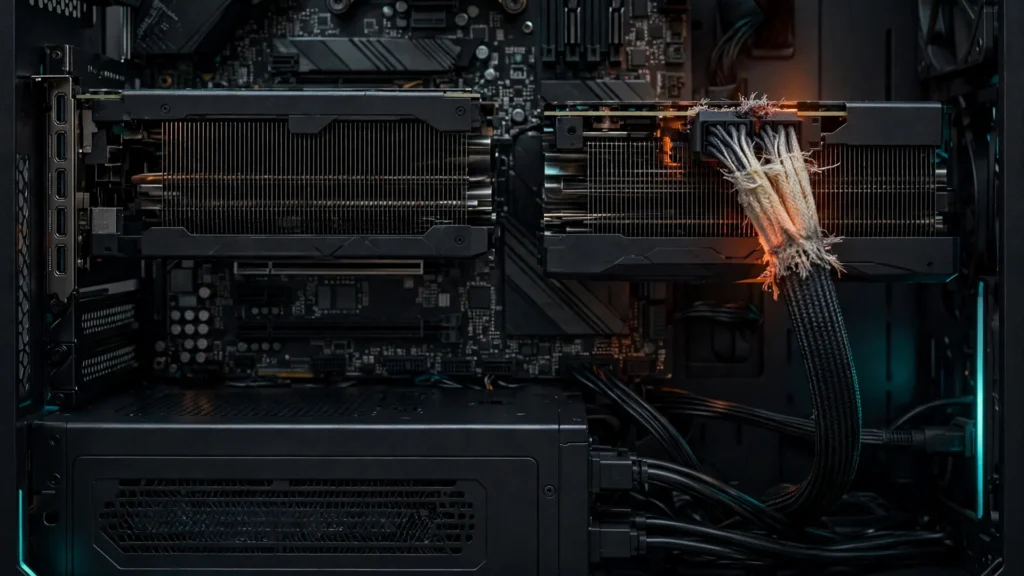
$32,000 of RTX PRO 6000 GPUs Saved From Meltdown by a Routine Cable Check
A routine peek inside a workstation just saved $32,000 worth of graphics cards from a possible meltdown. The owner of two NVIDIA RTX PRO 6000 GPUs spotted frayed, heat-damaged sleeving on both 12V-2×6 power cables during a visual inspection, and caught the problem before it turned into a short circuit or a fire. The incident…
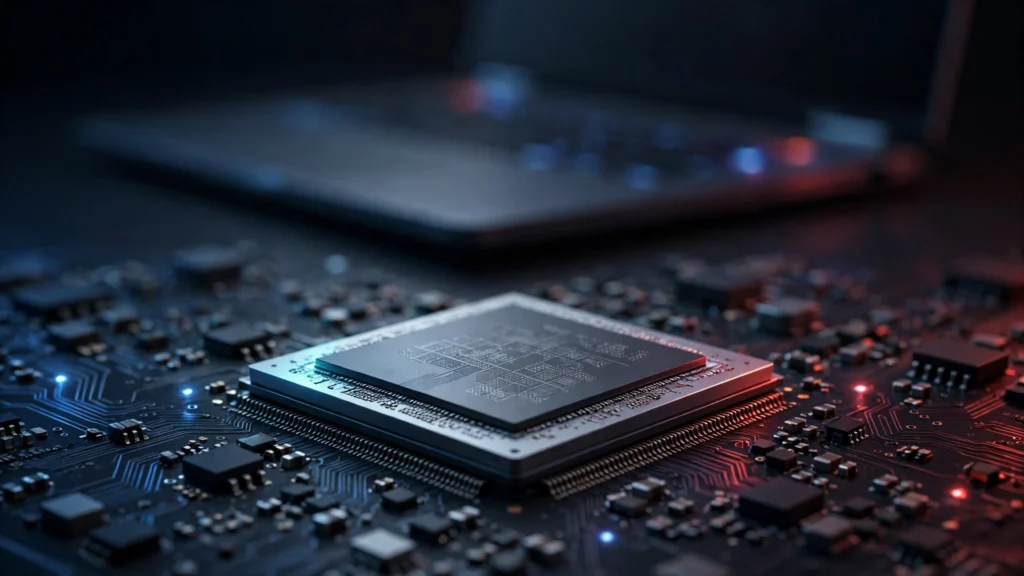
AMD Medusa APU Benchmarks Leak: Zen 6 Chips Post Strong Geekbench Scores
AMD’s next laptop chips have shown up early. Benchmark entries for the company’s upcoming Medusa APUs have appeared in the Geekbench database, and the early numbers point to a large single-core jump over today’s Ryzen AI laptop chips. The listings come from Lenovo test systems, which suggests the silicon is already being exercised inside machines…
Free Browser Games 2026: 20 Games You Can Play in a Tab Right Now
Browser games are back in a big way. You open a tab, click play, and you are in a match, a puzzle, or a whole world. No store, no launcher, no install, and no wait for a download bar. Flash is gone, and that is good news. Modern browser games run on HTML5 and WebGL,…
Zelda: Ocarina of Time Remake Is Now Playable on PC, No Emulator Needed
Zelda fans, the time has come. Just days after The Legend of Zelda: Ocarina of Time Remake launched on Nintendo Switch 2, PC players can already boot it, launch it, and play it on their own machines. And this time there is no emulator involved at all. An unofficial native PC port of the remake…
Microsoft Overhauls the Xbox PC App: Up to 60% Faster Launches for Insiders
The Xbox PC app is finally getting the speed boost PC players have asked for. Microsoft has started rolling out a full redesign to Xbox Insiders, and the company says the new app launches up to 60% faster than the version it replaces. The rollout began on November 5, 2026, according to an Xbox Wire…
NieR: Automata Language Patch Accidentally Turns the Game Into a 366GB Download on PC
NieR: Automata is a 50GB game. At least, it was. A routine language patch on Steam has turned the PC version into a 366GB download, and players with full drives are paying the price. Square Enix has confirmed the problem and says a fix is on the way, but until it arrives there is a…