Microsoft Overhauls the Xbox PC App: Up to 60% Faster Launches for Insiders
The Xbox PC app is finally getting the speed boost PC players have asked for. Microsoft has started rolling out a full redesign to Xbox Insiders, and the company says the new app launches up to 60% faster than the version it replaces.
The rollout began on November 5, 2026, according to an Xbox Wire announcement reported by Wccftech. The update is not a small patch. It rebuilds the app’s navigation, library, search, and social features, and it also brings a refreshed Xbox Cloud Gaming web experience. There is no general release date yet, so players outside the Insider program will have to wait.
How Much Faster Is the New Xbox PC App?
Microsoft published three headline figures for the redesign, all from its own internal testing. The company also warns that real results will vary with hardware, internet connection, and other factors, so treat these as best-case numbers, not guarantees.
- App launch: up to 60% faster. The app should open noticeably quicker than before.
- Home, Store, and Game Pass pages: up to 50% faster to load. The three pages players open most often get the biggest everyday improvement.
- In-app windows: up to 65% faster to open. Pop-ups and secondary windows should feel snappier.
Early hands-on impressions point in the same direction. When Microsoft was testing the overhaul in October under the internal codename Garrison, Windows Central and The Verge’s Tom Warren both reported substantially improved responsiveness, especially when browsing large game libraries.
The 60% Number, Read Carefully
Headline percentages deserve a second look. Microsoft measured these gains in its own internal testing, and the company says results will vary with hardware, internet connection, and other factors. “Up to 60% faster” is a best-case figure, not a promise that every PC will feel 60% quicker.
It also helps to know what is being measured. App launch is the time from clicking the icon to the app being usable. Page loads are the Home, Store, and Game Pass screens. Neither number says anything about game performance. Your games will not run faster because the launcher opens faster. What improves is everything around the game: finding it, opening it, and getting into a party. For players who open the app every day, that friction adds up, which is why the page-load figures may matter more in practice than the launch number.
A Cleaner Interface and a Simpler Library
Speed is only half the story. The redesign also changes how the app looks and how it organizes games.
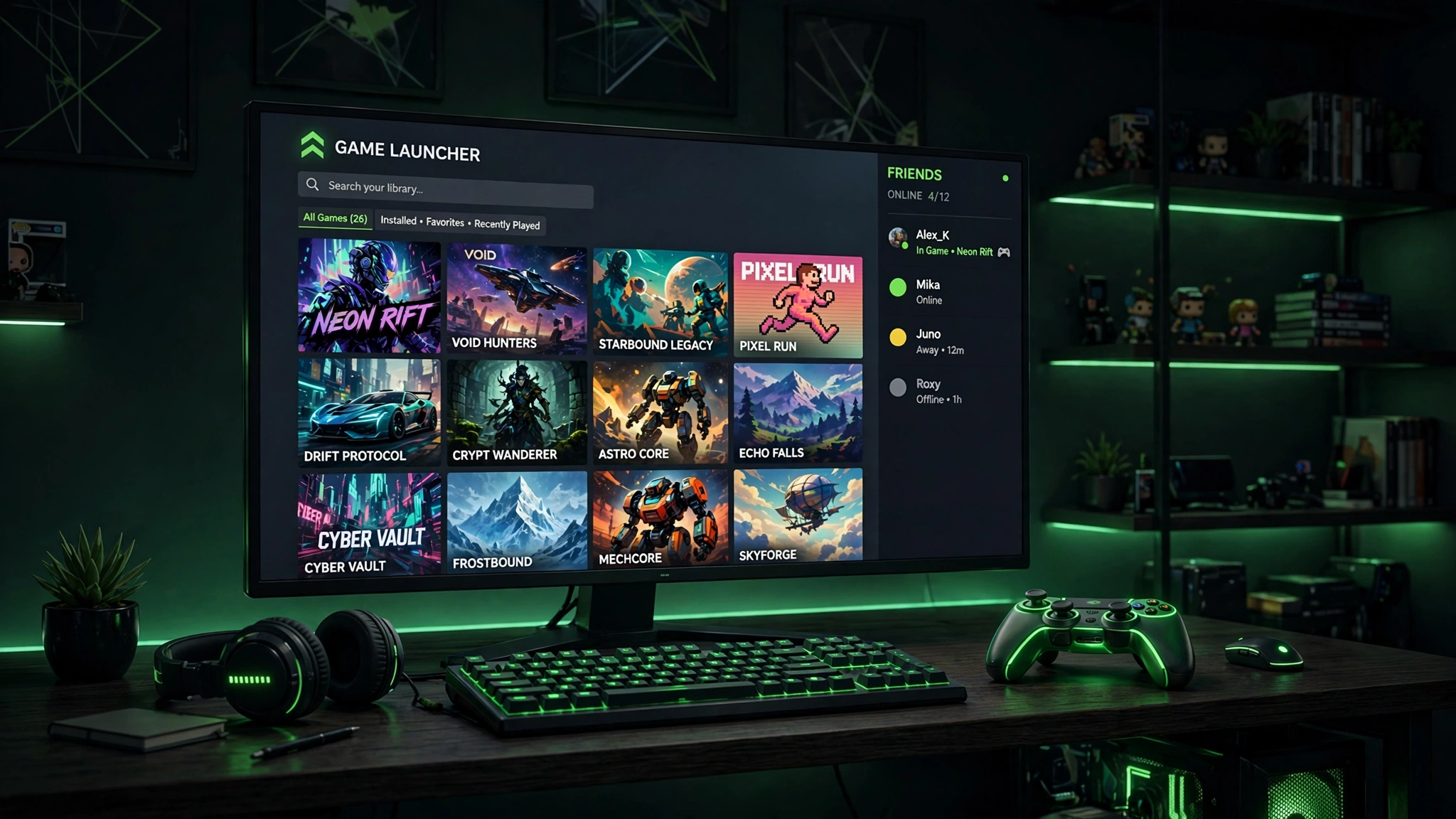
- Revamped game cards, refreshed animations, and updated Home and Settings pages.
- Simpler library navigation with improved filtering and organization, aimed at players with large collections.
- A unified search that covers games, installed titles, downloadable add-ons, and other players.
- Social features built into the main navigation, so friends’ activity, conversations, and parties are one click away instead of buried in a separate menu.
The library changes matter most for Game Pass subscribers, whose collections grow fast and get hard to manage. Better filtering and a cleaner layout should make it easier to find what is installed, what is new, and what is worth playing next. If your Windows setup still feels sluggish around gaming, our guide to Windows 11 gaming optimizations covers the system-level tweaks that pair well with a faster launcher.
Why the Xbox PC App Felt Slow in the First Place
The complaints about the Xbox PC app are not new. Since the app became the home of PC Game Pass, players have called it slow to open, heavy to navigate, and cluttered next to Steam. Large libraries made it worse. Scrolling through hundreds of installed and available games could stutter, and pages took their time to fill in.
Part of the problem is what the app has to do. Steam is a store and a library. The Xbox PC app is a store, a library, a Game Pass browser, a social hub, and a cloud gaming front end, all in one window. Every extra job adds weight. The redesign attacks that weight directly: fewer layers between the player and the game, a simpler library, and search that covers everything at once. If the speed gains hold up, the app stops being something players tolerate and becomes something they choose.
Xbox Cloud Gaming Gets the Same Treatment
Microsoft is also overhauling the Xbox Cloud Gaming web experience, which first entered public preview in January. The refreshed version adds:
- A consolidated library for cloud-playable games, including supported purchased titles and Game Pass offerings.
- Improved sorting and filtering.
- A desktop-optimized layout for larger screens.
- Dark and light themes, plus five high-contrast accessibility options.
Similar navigation improvements are also coming to the Xbox Cloud Gaming apps on supported televisions and VR headsets, as Microsoft tries to make the experience consistent across screens.
What Game Pass Players Get Out of This
Game Pass subscribers gain the most from this update, because their libraries are the biggest and messiest. A subscription adds new games every month, and the old app made it hard to tell what was installed, what was new, and what was worth trying next. Better filtering and a cleaner layout should fix the daily annoyance of hunting through the list.
The unified search helps too. One search box now covers installed games, add-ons, and other players, instead of splitting them across menus. And with the library loading faster, browsing the catalog feels less like a chore. If you are building a list of what to play next, our roundup of upcoming PC games for 2026 and 2027 is a good place to start.
How to Get the Redesigned App
- Join the Xbox Insider program if you are not already a member.
- Check for the update to the Xbox PC app. The rollout to Insiders began on November 5, 2026.
- The refreshed Cloud Gaming web experience is expanding to more users over the coming weeks.
The Xbox Insider Hub app in the Microsoft Store is where you join the program on PC. Microsoft has not specified a general release date for the redesigned PC app, so the wider rollout will follow after the Insider phase. Xbox chief Asha Sharma shared a side-by-side demonstration of the new app’s responsiveness on X, and she said there is “plenty more to do,” which suggests more improvements are planned beyond this release.
What Still Needs Proving
Internal testing numbers are a good sign, but they are not proof. The real test starts when Insiders use the app every day on ordinary hardware: older laptops, spinning hard drives, slow connections, libraries with hundreds of games. That is where the old app struggled most, and where the redesign has to prove itself.
There are open questions too. Will the social features stay fast once friends lists and parties grow? Will the cleaner library hold up as Game Pass keeps adding titles? And how long will the wider rollout take? Xbox chief Asha Sharma has already said there is “plenty more to do,” which suggests this redesign is a first step rather than a finished job. The Insider phase exists to answer these questions before everyone gets the update, so the feedback from the next few weeks matters.
What This Means for PC Players
The Xbox PC app has long been the weak link in Microsoft’s PC gaming push. It works, but it has felt slow and cluttered next to Steam, and that friction shows every time the app takes its time to open or a page stutters while loading. A genuinely faster app with a cleaner library removes one of the biggest reasons players avoid it.
Whether the redesign closes the usability gap with Steam remains to be seen. Speed numbers from internal testing are a good sign, but the real test is daily use on ordinary hardware. For now, the practical advice is simple. If you are an Insider, try the new app and see if the difference is obvious on your machine. If you are not, keep an eye on the rollout and use the wait to tune the rest of your setup. Our best PC settings for maximum FPS guide covers the in-game side, and the classic Gears of War games coming to PC show why a fast Xbox library matters more than ever.
The bottom line is simple. Faster launches, quicker pages, and a cleaner library fix the exact complaints players have raised for years. The rollout is limited to Insiders for now, but if the speed gains hold up on real hardware, the wider release should be worth the wait.
Source: Wccftech (via Xbox Wire).