
GPU Usage Low While Gaming? CPU Bottlenecks Explained (And How to Fix Them)
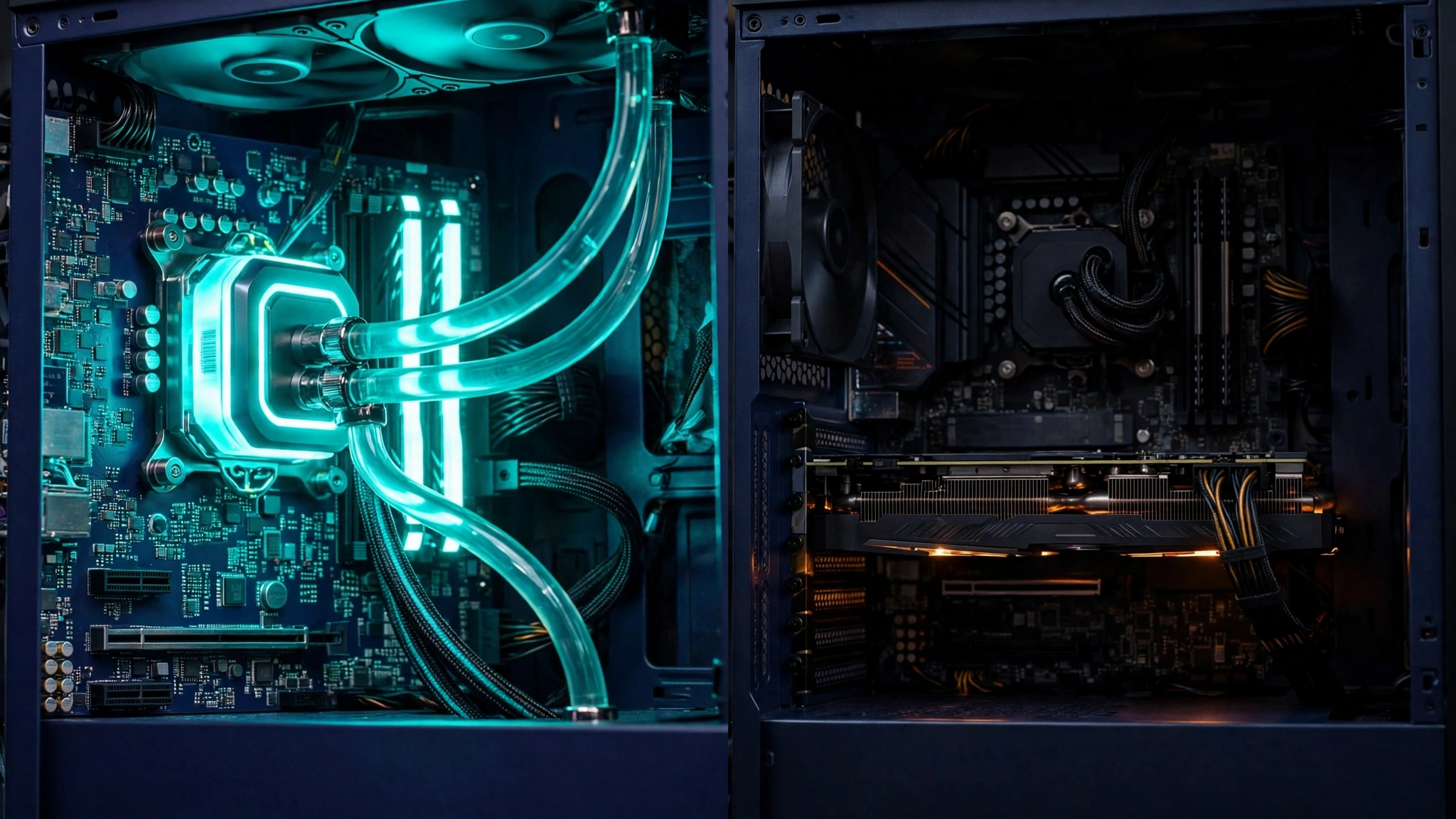
You upgraded the graphics card, loaded your favorite game — and the frame rate barely moved. The overlay tells the story: GPU usage hovering at 50–70% while one CPU thread is pinned at maximum. That is a CPU bottleneck: the processor cannot prepare frames fast enough to keep the graphics card fed, so the card waits, and your expensive GPU loiters while a single overworked core decides your frame rate. Here is how to confirm it, why it happens, and what actually fixes it.
How to Confirm a CPU Bottleneck (Properly)
- Watch GPU usage and per-core CPU usage together (MSI Afterburner’s overlay or HWiNFO). The signature: GPU below ~90% while at least one CPU core/thread sits at or near 100%. Do not judge by total CPU usage — a game using 4 of your 16 threads shows “25% CPU” while being completely CPU-limited on those threads.
- The resolution test: drop the game to its lowest resolution (or 50% render scale). If FPS barely changes, the GPU was never the limit — the CPU is. If FPS jumps, you were GPU-bound after all.
- Where it happens matters: CPU bottlenecks bite hardest in busy scenes — cities, big battles, many NPCs — and in high-frame-rate, low-settings play (esports titles at 200+ FPS are CPU tests wearing a GPU costume).
The Usual Causes, From Free to Fix to Expensive
1. RAM running below its rated speed (free fix)
Memory speed and latency directly feed the CPU. If XMP/EXPO is off in your BIOS, your DDR5-6000 kit may be running at default speeds and quietly taxing every frame the CPU prepares. Enable the profile — it is the single most common “bottleneck” that is actually a settings problem. Single-stick (single-channel) memory is the same story in hardware form: two sticks in the correct slots, always.
2. Background load stealing the main thread (free fix)
The game’s main thread shares your CPU with everything else: browsers, updaters, overlays, RGB software, screen recorders. On a mid-range CPU, a hungry background app can cost exactly the frames you are missing. Audit with Task Manager while the game runs, prune startup apps, and keep overlays to one — our Windows 11 gaming optimizations covers the full cleanup.
3. Thermals throttling the CPU (cheap fix)
A CPU that overheats downclocks under sustained load — the bottleneck arrives twenty minutes into a session, right on schedule. Check CPU temperatures under load the same way you would the GPU (our temperature guide covers the tools); dust, a dying fan or dried paste on an old cooler are the usual culprits, and a budget tower cooler is a permanent cure.
4. Game settings that load the CPU (free fix)
Not all settings are GPU settings. View/draw distance, NPC and crowd density, physics detail and foliage density are CPU-heavy. If a specific game is CPU-bound, those are the dials to lower — dropping shadows or textures (GPU work) will not move a CPU-limited frame rate at all. Our graphics settings explainer labels which currency each setting spends.
5. The CPU is simply outmatched (the real upgrade)
Sometimes the answer is honest: a modern GPU paired with a many-generations-old CPU is an imbalance no setting will fix. The good news is that platform choice decides the cost. On AMD’s AM5, a CPU swap is a drop-in upgrade that keeps your board and RAM (our budget build guide is built around exactly that path); on an end-of-life platform, weigh a platform upgrade against how much longer the rest of the system will serve. Prioritize single-core speed and cache for gaming — for gaming specifically, AMD’s X3D chips are famous precisely because their extra cache relieves exactly this bottleneck in many titles.
What Does NOT Fix a CPU Bottleneck
- A faster GPU. It will wait at the same frame rate, just more expensively.
- Lowering resolution or GPU settings (beyond the test above) — the GPU is already waiting; giving it less work changes nothing.
- Frame generation needs a healthy base frame rate to work from; on a CPU-bound 40 FPS it produces smoother-looking output built on the same limited simulation rate — worth trying, not a cure.
- “Bottleneck calculators.” Percentage-spouting websites that declare your pairing “23% bottlenecked” are numerology. The tests above, on your PC, in your games, are the real data.
The Bottom Line
Low GPU usage plus a maxed thread plus a resolution test that changes nothing: that is a confirmed CPU bottleneck, and it has a ladder of cures — memory profile, background load, cooling, CPU-heavy settings — before it has a price tag. Run the free rungs first; most “I need a new CPU” cases turn out to be a BIOS toggle and a dusty cooler. If you do reach the upgrade rung, build the balanced system around it with our 2026 budget build and squeeze it with the maximum FPS settings guide. More diagnosis guides in Gaming Tech.



One Comment