God of War Ascension Unofficial PC Port Launches With 5K Support, FSR 3.1 and Big Performance Fixes
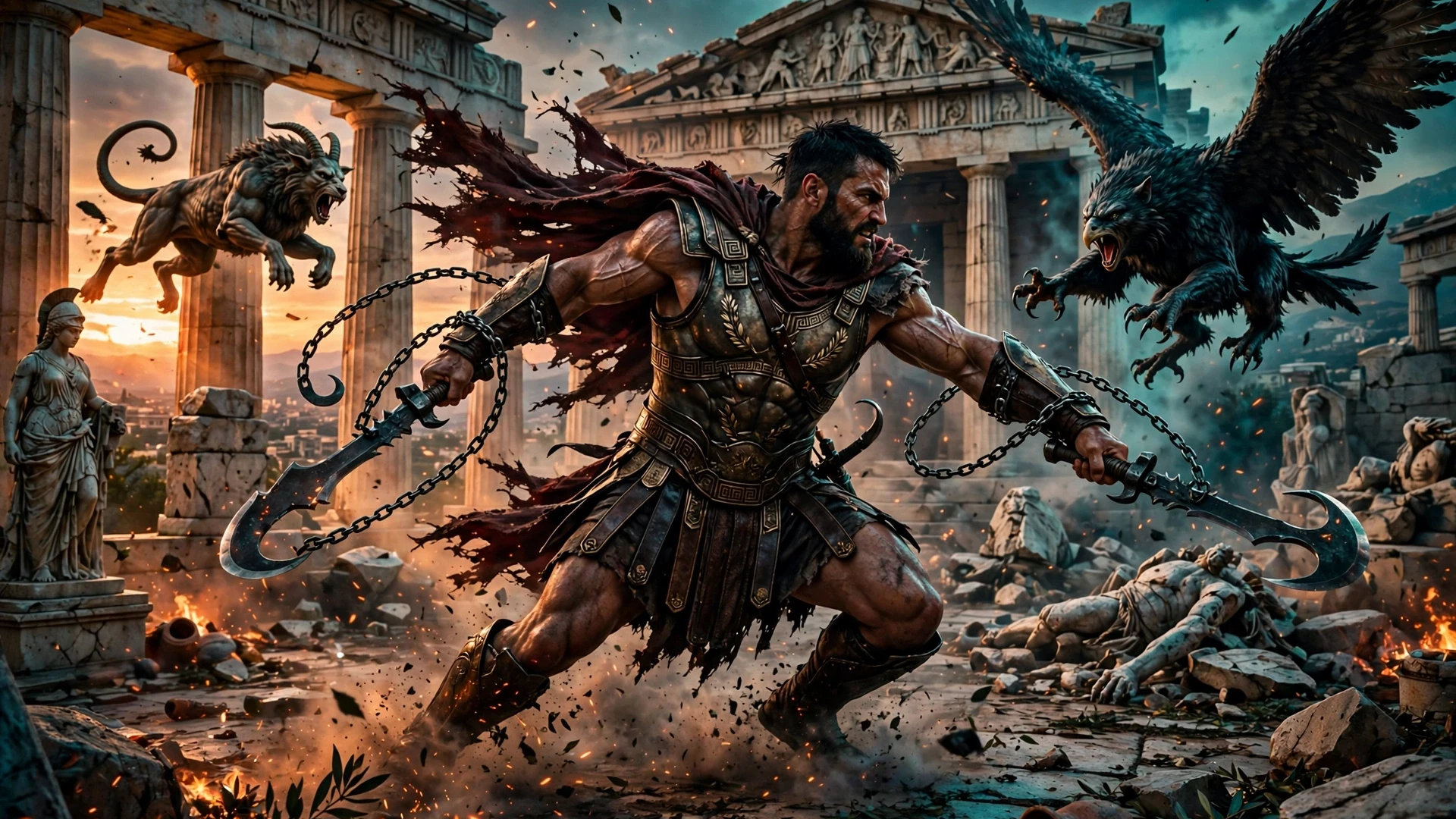
God of War fans, the wait is over. After an extensive closed beta, M Bilal has released the first public version of his unofficial PC port of God of War: Ascension, and it is a serious step up from the beta builds. The 2013 PS3 exclusive can now run on PC with native 5K rendering, FSR 3.1, better CPU use and far fewer stutters. If you have a legally dumped copy of the game sitting around, this is the version worth trying.
Ascension has always been the odd one out in the series. It is a prequel, it never left the PS3, and it has never had an official PC release. That is exactly why fan ports like this one matter. They keep great games playable on modern hardware, and this first public release, version 0.1.31, does a lot more than just get the game running. It rebuilds how the game uses your CPU, smooths out shader stutter, fixes a long list of crashes and visual bugs, and adds the kind of graphics and launcher options you would expect from a proper PC version. DSOGaming reports the full changelog, and the highlights are genuinely impressive.
What the First Public Version Brings
Version 0.1.31 is not a small patch on top of the beta. It touches almost every part of the port, from speed and stability to graphics, controls, saves and the launcher itself. Here is the short version of what changed:
- Better speed: more of the game now runs as native PC code, with improved CPU usage and an optimized graphics thread.
- Fewer stutters: 13,425 recorded shader pipelines are pre-built before you play, and other shaders can build in the background.
- More stable gameplay: fixes for crashes, freezes, start-up hangs and boot crashes reported during the beta.
- Improved graphics: native rendering up to 5K, SMAA, AMD FSR 3.1, sharpening and anisotropic filtering.
- Cleaner visuals: fixes for missing floors and objects, striped textures, glowing blobs on NVIDIA GPUs and overly bright lighting on AMD GPUs.
- Better controls and saves: full stick range, dodge on the right stick, save backups while you play, and save export and import.
- A smarter launcher: pick a game folder or an ISO file, with no need to decrypt the game with RPCS3 first.
That is a big list for a first public release, and it shows how much work went into the closed beta. The port is still unofficial and still evolving, but this version looks like the one the project was building toward.
Better CPU Use Where It Counts
The biggest change in version 0.1.31 is under the hood. More of the game code now runs as native PC code, which helps the game run much faster on CPUs with four to eight cores. The port also uses occlusion culling, which means it skips drawing objects that are hidden behind walls or other objects. Your PC no longer wastes time rendering things you cannot see.
The graphics thread has been optimized too, and these speed gains are now active for all players, even when the FPS counter is turned off. That matters because in some beta builds the gains were tied to the counter being on, which is not how anyone actually plays.
M Bilal has also tuned the CPU thread settings for specific hardware. Some six-core and 16-core Ryzen X3D CPUs get better thread settings in this version. Just as importantly, those settings are turned off on CPUs where they can hurt speed, such as some eight-core CPUs and Intel CPUs with E-cores. The game also spends less time waiting for other tasks to finish, which helps it stay smooth when other apps are running in the background.
This is the right kind of optimization work. It does not chase a big number on one machine. It adapts to the CPU it is running on, and it backs off when a setting would make things worse. That is exactly what a port of a PS3 game needs, because the original hardware had a very different CPU design from a modern PC.
Fewer Stutters, Crashes and Visual Glitches
Shader stutter has been one of the most annoying problems with PS3 games on PC, and version 0.1.31 attacks it directly. Compared to the beta builds, this public version has fewer stutters because it now comes with 13,425 recorded shader pipelines. These shaders are built before you start playing, so the game does not have to compile them the first time a new effect appears. Other shaders can also build in the background, which helps stop stutter at start-up, after loading screens and when new textures appear.
NVIDIA users get one more tool. A new option called Fewer Shader Stutters shows a stand-in shader while the real one is being built. It can help keep the game smooth even right after a loading screen, when shader work is at its heaviest.
Crashes and freezes got a serious pass as well. Version 0.1.31 fixes cases where the picture froze but the sound kept playing, freezes that happened every few seconds on some eight-core CPUs, start-up hangs, boot crashes and windows showing a Not Responding message. M Bilal has also fixed a bug that could make Kratos fall through the floor on slower PCs, which is the kind of bug that ends a play session fast.
The visual fixes are just as thorough. The update fixes missing floors and objects, broken scenery, striped textures and white patches on Kratos face at high resolutions. It also fixes glowing blobs on NVIDIA GPUs, overly bright lighting on AMD GPUs and shimmer on rooftops. None of these are headline features on their own, but together they make the game look like it is supposed to look, instead of a beta with rough edges.
Resolution and Graphics Options
On the graphics side, the port supports native 1080p, 1440p, 4K and 5K rendering. It also offers SMAA, AMD FSR 3.1, sharpening and anisotropic filtering. The glow effect has been improved as well. At 1440p and 4K it now runs at full resolution, which makes the glow look smooth instead of dotted, and its brightness is within 1 percent of the PS3 version.
| Feature | Version 0.1.31 |
|---|---|
| Render resolutions | Native 1080p, 1440p, 4K and 5K |
| Upscaling | AMD FSR 3.1 |
| Anti-aliasing and filtering | SMAA, sharpening, anisotropic filtering |
| Shader pipelines pre-built | 13,425 |
| Glow effect | Full resolution at 1440p and 4K, brightness within 1% of PS3 |
| NVIDIA extra | Fewer Shader Stutters option |
Native 5K rendering with FSR 3.1 is a strong combination. You can push the render resolution high for a clean image, then use FSR to keep performance in check. And because the glow effect now matches the PS3 version so closely, the game keeps its original look instead of trading accuracy for sharpness. If you enjoyed the recent Project Gotham Racing 4 fan port with DLSS and frame generation, this is the same idea applied to a very different game: an old console exclusive, rebuilt for PC with modern rendering options.
Controls, Saves and a Smarter Launcher
The control changes are small on paper but big in practice. Controller support now uses the full range of stick movement, even when moving diagonally, and you can dodge with the right stick. M Bilal has fixed issues that made controllers stop working after cutscenes or freeze during strong wireless vibration. If you play with a controller, and most God of War players do, these fixes remove the kind of interruptions that break a boss fight.
The save system is much better too. The port can back up your saves while you play, and you can export and import them. A fix stops autosaves from going to the wrong folder, and the launcher can carry your saves over when you install a new version in a different folder. That last one matters a lot for a project that updates often. Nobody wants to lose progress just because they installed a new build.
The launcher itself has gained more useful options. It supports US disc copies and lets you select a game folder or an ISO file. You no longer need to decrypt the game with RPCS3 first, which removes a whole setup step that used to scare people off. The launcher can also join split FAT32 files, and it has simple checkboxes for cheats and patches. Other options include a Brazilian Portuguese translation mod, the 1.04 sound mix, and ways to skip the intro and story movies.
How Fast Does It Run?
M Bilal has also shared some performance tests, and they tell a clear story: this port wants a strong CPU. On a PC with an AMD Ryzen 9 9950X3D and an RTX 5080, DSOGaming reports the game can hold 59 to 60 FPS in its heaviest fight at 1440p with a 2x render scale and a 60 FPS cap. In a busy rooftop scene, it reached 106 FPS with the cap set to 240. When the same PC was limited to six CPU cores, it reached about 77 FPS in the heavy fight and 51 to 53 FPS on the rooftop.
Those numbers come from the port developer own testing, not from our own hardware, so treat them as a guide rather than a promise. But the pattern is useful. In large fights, the PS3 SPU tasks and the game main thread can limit performance more than the graphics card. That means a fast CPU matters more than a huge GPU here, and it explains why so much of this update focuses on CPU usage and thread settings. If your PC has a strong modern CPU, this port should run well. If it does not, the 2x render scale and the high frame rate cap are the first settings to turn down.
For context, fan ports have become one of the most reliable ways to play old console exclusives on PC. The Zelda Ocarina of Time remake port and the Super Mario Odyssey unofficial PC port both showed how much life a good fan port can add to a game that never had a PC version. Ascension now joins that list, and it arrives in a far more polished state than most first public releases manage.
What You Need to Play It
Before you rush to download it, here is the practical part. The port does not contain any game assets, so you need to supply your own legally dumped copy of God of War: Ascension. The download link is in the DSOGaming article, which points to the project GitHub page. From there, the launcher handles the rest: point it at your game folder or ISO file, pick your options, and play.
A few tips before you start:
- Use your own disc or dump: the port ships no game files, so a legally dumped copy is required.
- Let the shaders build first: the 13,425 pre-built pipelines cut stutter, so do not skip the pre-build step.
- Start at 1440p: it is the resolution the developer tested most, and FSR 3.1 gives you room to push higher.
- Try the NVIDIA option if you stutter: the Fewer Shader Stutters setting is there for a reason, especially right after loading screens.
- Back up your saves: the new backup and export tools exist, so use them before updating to a future version.
One more honest note: this is still a fan project, not an official remaster. Expect updates, expect the odd bug, and check the project page for the latest version before you settle in for a full playthrough. That is the deal with unofficial ports, and it is a fair one given what they deliver for free.
All in All
God of War: Ascension finally has a PC port worth playing, and it arrived in much better shape than most fan projects manage on their first public release. Native 5K, FSR 3.1, a smarter shader system, real CPU optimization and a long list of crash and visual fixes make version 0.1.31 a genuine milestone for the project. Kudos to M Bilal for the work here. The closed beta clearly paid off, and the result is a port that respects both the game and the players who waited years to play it on PC.
If you own Ascension on PS3 and you have a decent PC, give this one a try. Just bring your own copy, let the shaders build, and keep an eye on future updates. This is the kind of fan project that keeps gaming history alive, and it deserves the attention.
Source: DSOGaming