Red Dead Revolver Finally Rides Onto PC With an Unofficial Port
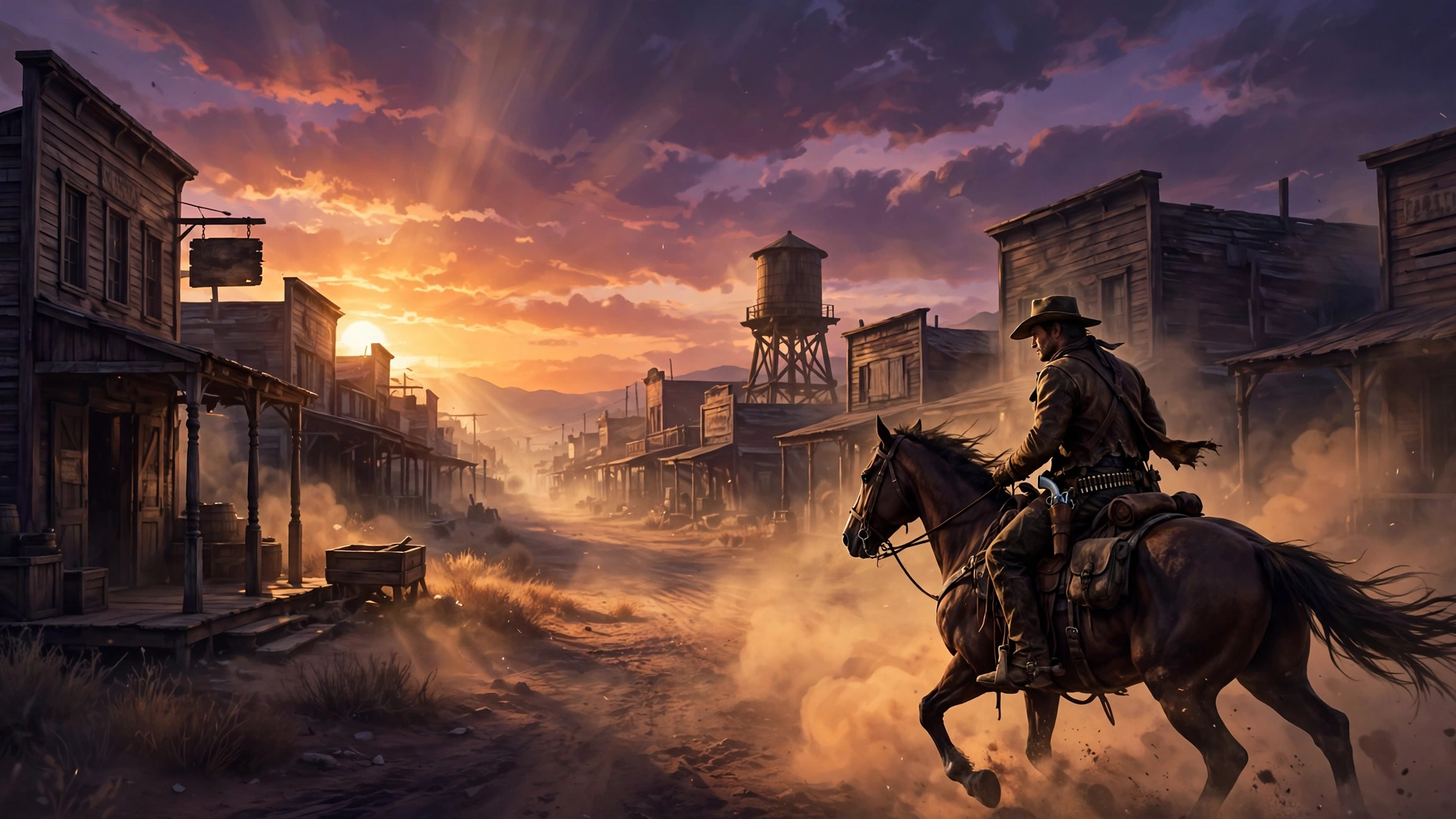
Red Dead fans, the time has come. Before Red Dead Redemption turned the Wild West into one of gaming’s biggest open worlds, Rockstar took its first shot at the genre with Red Dead Revolver. The 2004 western launched on PlayStation 2 and the original Xbox, and it never got an official PC version. Now, more than two decades later, PC players can finally saddle up.
An unofficial PC port built with XBE Recomp brings the game to Windows with proper keyboard and mouse controls, modern resolutions, and a long list of upgrades the original console release never had. DSOGaming reports the release, and the details below all come from that report.
This is the game that started it all. Revolver was Rockstar’s first attempt at a GTA-style western open world, and it set the tone for everything Red Dead would become. For years, the only way to play it was on old consoles or through emulation. That wait is finally over, and the port looks like a serious effort, not a quick hack.
Where Revolver Fits in the Red Dead Story
Revolver is the starting point of the whole series, and it plays very differently from the games that followed. You play Red Harlow, a bounty hunter chasing the men who killed his family, through a series of missions rather than one big open world. The story is told in chapters, with shootouts, duels, and set-piece levels carrying the action forward.
Six years later, Red Dead Redemption rebuilt the idea as a full open world, and Red Dead Redemption 2 turned it into one of the most detailed worlds in gaming. Revolver is smaller and simpler than both, but it set the tone: the revenge story, the dusty frontier towns, and the gunplay that the later games refined. Playing it now is a chance to see the series before it became huge.
What the PC Port Brings
The headline feature is simple: Red Dead Revolver now runs natively on PC. You get to pick your monitor, switch between fullscreen, borderless, and windowed modes, and run the game at your screen’s native resolution. The port also lets you set the render scale anywhere from 20% to 200%, so you can render the game above or below your display resolution if your hardware allows it.
The original frame rate limit is gone too. You can set a custom frame rate cap, match your monitor’s refresh rate, or remove the cap entirely. V-Sync is there to keep screen tearing under control, and an FPS counter lets you see exactly how the game is running. If you have played other community ports, you will recognize the pattern. The unofficial Super Mario Odyssey PC port followed the same playbook, and it showed how quickly these projects can mature once the community gets involved.
Display and Graphics Options
The port packs in far more display and graphics settings than the 2004 original ever offered. Here is the full rundown.
| Feature | What It Does |
|---|---|
| Resolution | Native resolution with monitor selection, fullscreen, borderless, and windowed modes |
| Render scale | Adjustable from 20% to 200% of your display resolution |
| Frame rate | Uncapped frame rate, custom cap, or match your monitor refresh rate, plus V-Sync |
| HDR | HDR10 support for compatible displays |
| Field of view | Adjustable FOV slider |
| Cutscenes | Options for how old video scenes fit widescreen displays |
| Anti-aliasing | MSAA and SMAA, which can be used at the same time |
| Ambient occlusion | SSAO or GTAO for softer shadows where objects meet |
| Textures | Anisotropic filtering, plus custom PNG or DDS texture support |
| Accessibility | Color blind mode included |
The graphics options go beyond resolution and frame rate. Ambient occlusion adds soft shadows where objects meet, and you can pick between SSAO and GTAO. MSAA and SMAA smooth out rough edges, and both can run at the same time. Anisotropic filtering sharpens textures viewed at an angle, and you can turn the game’s screen blur on or off.
Modders get something extra too. The port supports custom textures, so you can replace the game’s textures with your own PNG or DDS files. You can also dump every texture the game uses, which makes it much easier to create, test, and share texture packs. If the community takes to this the way it has with other ports, expect visual overhauls sooner rather than later.
Controls: Keyboard, Mouse, and Gyro
A port lives or dies on its controls, and this one looks strong. Full keyboard and mouse support is included with raw input, so aiming should feel direct and responsive. Controllers work through SDL3, and the port supports gyro aiming for gamepads with motion sensors. Gyro aiming works with the right stick, so you can use both together to aim.
Supported devices include the DualSense, DualShock 4, and Switch Pro Controller. That is a generous list for a first release, and it means most players will already own a controller that works with the port.
Small Touches That Make a Big Difference
The port also adds several smaller quality-of-life features that show real care. You can skip the opening logos and jump straight into the game. You can hide the HUD entirely for clean screenshots. The game pauses itself, along with the sound, when you switch to another window, so alt-tabbing will not get you killed mid-mission.
Language support covers English, French, German, Italian, and Spanish, and the port can pick up the language set in Windows automatically. You can even add your own splash screen and replace the mouse cursor shown in the game’s menus. None of these features is flashy on its own, but together they make the game feel like it belongs on PC.
What You Need to Play It
Like all recompiled ports, this one does not include any in-game assets. You need to provide your own ISO of the game to play it. The port itself is only the engine work, not the game files, and that is exactly how these projects should work.
If you own a copy of Red Dead Revolver, the setup should be straightforward. And if you enjoy watching classic games find new life on PC, the community has been busy. Zelda: Ocarina of Time Remake is now playable on PC through a similar native port, and the classic Gears of War games are also playable on PC now thanks to the same kind of community effort.
Port or Emulator: Which Way Should You Play?
Until now, the only way to play Revolver on PC was through an Xbox emulator. That still works, but a native port has clear advantages. An emulator translates the game as it runs, which adds overhead and can cause glitches. A recompiled port runs the game directly on Windows, so controls feel tighter, performance is cleaner, and features like gyro aiming and custom textures work as intended.
The trade-off is the setup. A port needs your own game ISO to build from, while an emulator can run the same files with less preparation. If you already have a copy and want the best version of the game, the port is the obvious pick. If you just want a quick look at the game, emulation gets you there faster. Either way, the community has now given PC players a real choice, and that choice did not exist a week ago.
All in All
All in all, this is the best way to experience Red Dead Revolver, to borrow DSOGaming’s verdict. A game that never got an official PC release now runs natively on Windows with uncapped frame rates, HDR10, gyro aiming, custom textures, and a proper options menu. Rockstar has never shown interest in bringing Revolver to PC, so for now, the community port is the only way to play it on a computer.
If you have never played it, this is your chance to see where Red Dead began. The western that started Rockstar’s most celebrated series is finally at home on PC, and it only took 22 years. Grab your own copy, fire up the port, and enjoy the ride.
Source: DSOGaming.