Best Budget Gaming PC Build 2026: The Parts List That Actually Makes Sense
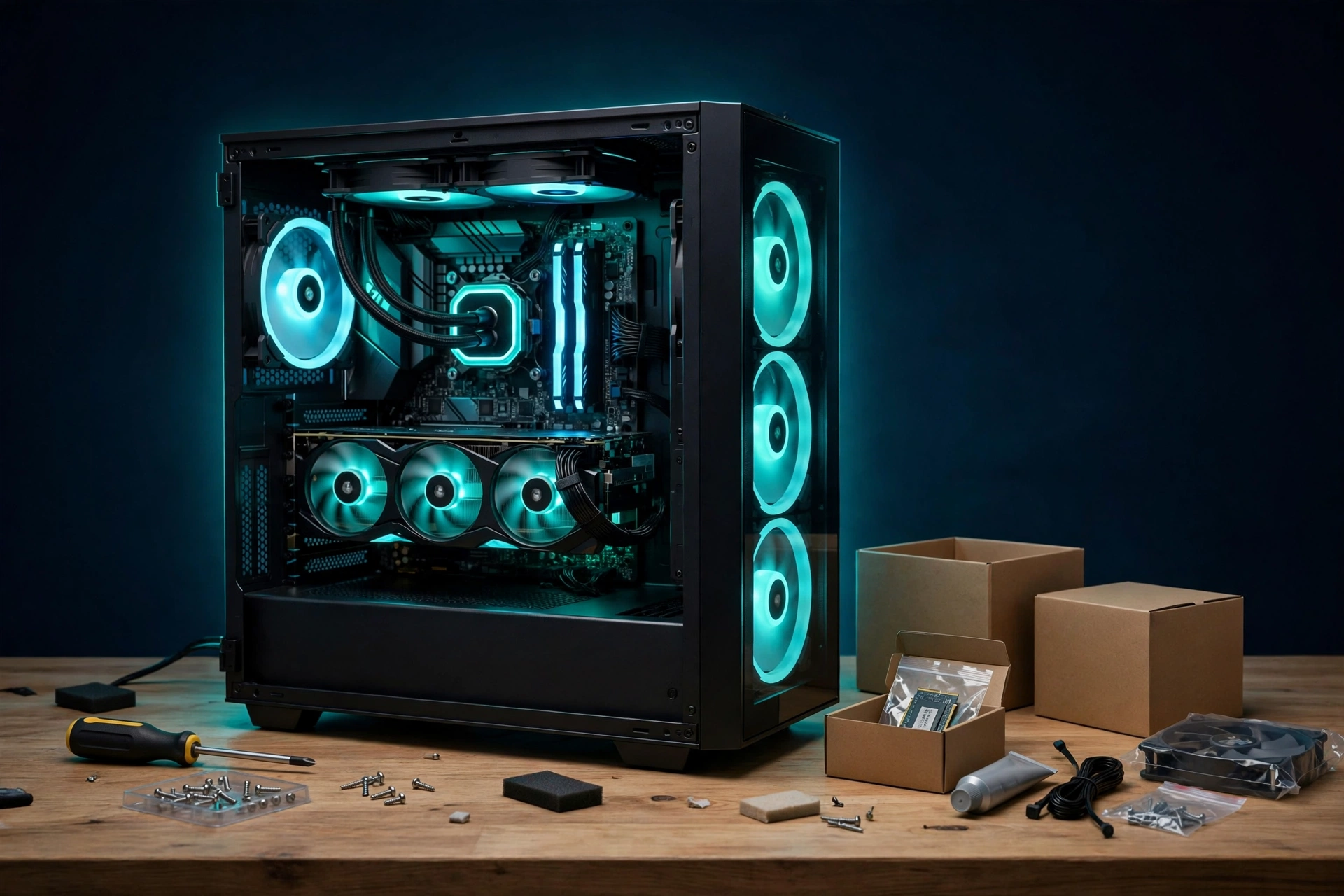
Building a budget gaming PC in 2026 is harder than it should be. GPU street prices sit well above launch prices, RAM prices spiked during 2026, and SSD prices climbed too. A smart parts list still beats many prebuilts on value. You just have to spend where frames come from and cut hard everywhere else. This guide gives you one balanced build for 1080p high refresh gaming, with 1440p in reach at sensible settings, plus cheaper and stronger alternatives so you can adjust to your wallet.
Prices checked October 28, 2026. Prices move fast in 2026, and they vary by model, seller, and region. Treat every figure below as a dated check, not a live quote. Re-check the exact model on the day you buy. Where a price could not be verified for October 28, 2026, this guide says so plainly instead of presenting an old figure as current. All prices below are US dollars before tax unless stated otherwise.
In This Guide
- The Core Philosophy: GPU First, Everything Else Second
- The Build: Balanced 1080p, Capable 1440p
- RTX 5060 vs RX 9060 XT 16GB: Which One?
- Where to Save (Without Regret)
- Where NOT to Save
- Full Parts List With Price Guidance
- Beginner Mistakes That Cost Real Money
- What About a Gaming Laptop or Prebuilt Instead?
- Frequently Asked Questions
The Core Philosophy: GPU First, Everything Else Second
The graphics card decides most of your frame rate. Plan for roughly a quarter to a third of the budget to go to the GPU. The CPU only needs to be good enough not to hold that GPU back. A modern 6-core chip handles that job at this tier in most games, though CPU heavy games and background tasks can still change the result. Spend less on the case, storage tier, and lighting. Those parts add almost no frames.
The Build: Balanced 1080p, Capable 1440p
- CPU: AMD Ryzen 5 9600X (6 cores, 12 threads, AM5). It gives you a real drop-in upgrade path on AM5 later. Note one change from the old version of this guide: this CPU ships without a cooler, so budget for a tower cooler. Do not plan on a stock cooler that is not in the box.
- GPU: NVIDIA RTX 5060 8GB or AMD RX 9060 XT 16GB or Intel Arc B580 12GB on a tight budget. See the VRAM discussion below. It matters this year.
- Motherboard: B650, micro-ATX is fine. This is the budget sweet spot on AM5 for most gaming builds.
- RAM: 16GB DDR5-6000 CL30 (2x8GB). Yes, 16GB, not 32GB. RAM prices spiked in 2026, and 16GB is still the single biggest saver on this list. Upgrade later when prices settle, if your games and workload need it.
- Storage: 1TB Gen4 NVMe SSD from a reputable brand. Modern games eat 100GB or more each, so 1TB is still the practical minimum for a gaming drive. Add a second drive later rather than stretching for 2TB now.
- PSU: 650W 80 Plus Bronze or Gold from a reputable brand. Never cheap out on the power supply. It is the one part that can damage every other part if it fails.
- Case: Any mesh front case with at least two included fans. Airflow beats glass panels.
- Cooler: A budget tower air cooler. This is required for the 9600X, not optional. Pick one that fits your case. Check the case maker spec for maximum cooler height before you order.
RTX 5060 vs RX 9060 XT 16GB: Which One?
This is the defining budget GPU question of 2026. Start with launch prices, then look at street prices. The RTX 5060 8GB launched at 299 dollars. The RX 9060 XT 16GB launched at 349 dollars. The Intel Arc B580 12GB launched at 249 dollars. None of those launch prices is a reliable shopping price in October 2026.
On October 28, 2026, the cheapest RTX 5060 listing verified in this check was a Zotac model at 319.99 dollars, in stock, with other Zotac models at 333.73 dollars and 364.60 dollars. A separate October 7, 2026 Newegg read put a Gigabyte RTX 5060 at 459.99 dollars. That spread is the point. Do not judge the RTX 5060 by one listing. Check the exact model.
The RX 9060 XT 16GB shows the same spread. A tracker price of 459.99 dollars was recorded on October 27, 2026. A Newegg read on October 7, 2026 put it at 519.99 dollars, and a buyer paid 529 dollars for an Asus Dual model on Amazon on October 6, 2026. Premium XFX models were listed at 649.99 dollars to 689.99 dollars on October 27, 2026. Use 459.99 dollars to 529 dollars as the mainstream range in this check, and treat higher priced models as premium models, not as the standard price.
The Arc B580 is the steadiest figure in this check. It was 329 dollars new on Newegg in October 2026, and 329.99 dollars on October 7, 2026. That makes it the cheapest card here that this guide would actually recommend on a tight budget. Its 12GB avoids the 8GB trap entirely. Its drivers and upscaler support are less consistent than NVIDIA or AMD in some games, and Arc cards can depend more on a recent CPU, so pair it with a modern CPU and enable Resizable BAR in BIOS if your board supports it.
Rule of thumb: if you play at 1080p and you value DLSS support, which is available in many modern games, the 5060 is fine. If you want this card to last 3 to 4 years, or you play at 1440p, the 16GB AMD card is the safer buy. If your budget is tight and you play mainly at 1080p, the B580 deserves a serious look.
Do not buy the 8GB version of the RX 9060 XT without checking the price gap first. In October 2026, the gap to the 16GB version was narrow in some listings, which removes the main reason to pick the smaller card.
Where to Save (Without Regret)
- 16GB RAM instead of 32GB: this still saves the most money of any single change in 2026, and 16GB still games fine for most titles. Note the gap is smaller than it used to be. The cheapest tracked 32GB DDR5-6000 CL30 kit was 429 dollars on October 27, 2026, against about 297 dollars for 16GB. If you multitask heavily or play memory hungry games, price both before you decide.
- Skip the fancy case and lighting: a 70 dollar to 90 dollar airflow case cools as well as a 150 dollar one for this build, provided it has mesh intake and included fans.
- 1TB SSD instead of 2TB: add a second drive later. See the flagged 2TB figure in the parts list below.
- B650 instead of X670: you lose ports you will probably never use, not gaming performance.
Where NOT to Save
- Power supply: a failing PSU can take the whole system with it. Bronze minimum, known brand, and enough wattage for your exact GPU. Check the GPU maker recommendation for your model.
- VRAM: in 2026, an 8GB card is mainly a 1080p card. If 1440p is in your future, buy 12GB or more now.
- SSD quality: a no-name drive can stutter in open world games and can fail sooner. Stick to reputable models, and check warranty and endurance specs for the exact model, not just the brand name.
Full Parts List With Price Guidance
Prices move weekly in 2026, so treat these as direction, not quotes. Always re-check the week you buy, and compare the exact model, not just the product family.
- CPU, Ryzen 5 9600X: about 174 dollars to 210 dollars in this check. A buyer paid 174 dollars on Amazon on October 6, 2026, and a 90 day US median was 210 dollars. No single standalone October 28, 2026 quote was verified for this draft, so use this as a range, not a fixed price. The cheaper Ryzen 5 7500F is a fine fallback only if you find it clearly cheaper, and only after you confirm board and cooler compatibility. No price was verified for the 7500F in this check.
- GPU, RTX 5060 8GB / RX 9060 XT 16GB / Arc B580 12GB: launch prices were 299 dollars, 349 dollars, and 249 dollars. October 2026 street checks: RTX 5060 from 319.99 dollars (Zotac, October 28, 2026) to 459.99 dollars (Gigabyte, October 7, 2026); RX 9060 XT 16GB from 459.99 dollars to 529 dollars for mainstream models, with premium models higher; Arc B580 at 329 dollars to 329.99 dollars. Model choice matters more than brand loyalty here.
- Board, B650 micro-ATX: about 120 dollars to 167 dollars for the examples in this check. An ASRock B650M model was 119.99 dollars on October 15, 2026, and an Asus B650E board was 167.32 dollars on October 6, 2026. Check that the board supports your CPU out of the box or has BIOS Flashback, and check the board maker QVL list for your exact RAM kit.
- RAM, 16GB DDR5-6000 CL30: about 297 dollars in this check. That figure is derived from an October 15, 2026 tracker median of 18.56 dollars per GB, and the tracker notes the 16GB figure was not refreshed as a 16GB specific figure on October 27, 2026. Do not use the old 240 dollar figure. It is out of date. Two sticks (2x8GB) for dual channel. Never buy one stick for a gaming build if you can avoid it. A single stick can leave performance on the table.
- SSD, 1TB Gen4 NVMe: budget 150 dollars to 190 dollars, FLAGGED, NOT VERIFIED as a single October 28, 2026 quote for a reputable model. Older Newegg listings seen in this check showed a WD Black SN7100 1TB at 184.99 dollars to 209.99 dollars, and a lesser known HUADISK 1TB at 149.99 dollars. Do not treat 140 dollars to 150 dollars as a verified price for a reputable 1TB Gen4 drive on October 28, 2026. Check live listings for the exact model.
- PSU, 650W 80 Plus Bronze or Gold: about 95 dollars to 105 dollars for the named examples in this check. A Thermaltake Smart BM3 Bronze 650W was 96.20 dollars in a listing updated October 17, 2026, and an MSI MAG A650GL Gold 650W was 104.99 dollars on October 28, 2026. A 32.99 dollar deal seen in this check was an exceptional short term deal and is not used as a normal price. This is the last place to hunt for the cheapest option.
- Case: about 70 dollars to 90 dollars. An MSI MAG Forge 321R Airflow was 69.99 dollars on the MSI store in this check, and an Asus Prime AP303 was 89.99 dollars on October 12, 2026. Confirm included fan count and maximum GPU length for your exact card.
- Cooler: about 37 dollars to 46 dollars. A Thermalright Peerless Assassin 120 SE ARGB was 36.90 dollars on October 6, 2026, and a Digital ARGB version was 46 dollars on October 25, 2026. Remember: the 9600X ships without a cooler, so this cost is mandatory, not optional.
- 2TB SSD alternative: FLAGGED, NOT VERIFIED for October 28, 2026. Older Newegg listings seen in this check put 2TB Gen4 models around 249.99 dollars to 260.99 dollars. Do not use that as a current quote. Check live listings before you stretch for 2TB.
Added together, the ranges above put the balanced build at roughly 1,270 dollars to about 1,635 dollars before tax, depending on which GPU you pick and which exact models you buy. That total is arithmetic from the ranges above, not a retailer quote, and it moves if the flagged SSD figure moves. The old 1,300 dollar to 1,500 dollar total is out of date at the top end, mainly because RAM and mainstream GPU models now cost more than the old figures assumed. This is no longer a 1,000 dollar build in late October 2026. It can still undercut equivalent prebuilts once you account for the corners prebuilts cut, but check prebuilt specs part by part before you assume that.
Beginner Mistakes That Cost Real Money
- Mixing DDR4 and DDR5: they are physically incompatible. Match the RAM to the motherboard, no exceptions.
- One RAM stick instead of two: single channel memory can cost you performance for no real saving. Buy a matched pair.
- Forgetting the motherboard standoffs: shorting the board on the case is the classic first build killer. Fit standoffs only where the board has mounting holes.
- Plugging the monitor into the motherboard instead of the graphics card, then wondering why games run slowly. Plug it into the GPU.
- Skipping the XMP or EXPO toggle in BIOS: without it, your DDR5-6000 kit runs at slow default speeds, often 4800 MT/s on first boot, and you leave performance on the table. XMP and EXPO are overclocking profiles. They can cause instability on some boards, CPUs, or RAM combinations. If the system becomes unstable after you enable a profile, revert to BIOS defaults and test again before you change anything else. AMD states that overclocking outside its published specifications will void the applicable AMD product warranty, even when enabled through AMD hardware or software, and it may also void system maker or retailer warranties. Check your CPU, board, and RAM warranty terms before you enable a profile, and do not push voltage or timings beyond the kit profile unless you accept that risk.
- Downloading drivers from random sites: get GPU drivers only from NVIDIA, AMD, or Intel official sites, BIOS only from your board maker site, and chipset drivers only from AMD or your board maker. Avoid third party driver installer tools. They are a common source of bundled junk and malware. If a driver update causes crashes, do a clean install from the official driver first. Use DDU only as a last resort, not as a routine step. See our clean install GPU drivers with DDU guide before you use it.
- Ignoring fit: check GPU length against the case, cooler height against the case, RAM height against the cooler, and PSU cable length for your case size. Returns cost more time than a five minute spec check.
What About a Gaming Laptop or Prebuilt Instead?
If building is not for you, prebuilts are worth pricing, but do not rely on the old 1,100 dollar RTX 5060 prebuilt figure. That figure was NOT VERIFIED in this October 28, 2026 check. One RTX 5060 desktop listing seen in this check was 1,160 dollars, and a comparable Ryzen 5 9600X plus RX 9060 XT 16GB prebuilt was 1,759.96 dollars on Amazon on October 12, 2026, with 32GB RAM and a 2TB SSD. Specs vary so much that a headline price tells you almost nothing. Check the exact cooler, PSU wattage and rating, board, RAM speed, and SSD brand, because budget prebuilts cut corners exactly there. For the full laptop vs desktop breakdown, read our Gaming Laptop vs Desktop 2026 guide.
Frequently Asked Questions
Is 16GB RAM enough for gaming in 2026? For most games, yes, especially at 1080p. If you stream, run many background apps, or play memory hungry titles, price a 32GB kit before you buy. The cheapest tracked 32GB DDR5-6000 CL30 kit was 429 dollars on October 27, 2026, so the step up is real but smaller than the old 500 dollar plus figure suggested.
Is the RTX 5060 or the RX 9060 XT 16GB better for 1440p? The 16GB card is the safer 1440p pick in this guide, because VRAM headroom matters more as texture settings rise. The 5060 remains a strong 1080p pick, especially if you value DLSS support in the games you play. Check the price gap on the day you buy. A small gap favors the 16GB card. A large gap can change the answer.
Do I need a cooler for the Ryzen 5 9600X? Yes. It ships without a cooler. Buy a tower air cooler and confirm AM5 mounting and case clearance.
Should I enable EXPO or XMP? In most cases, yes, if you want the rated RAM speed. Treat it as overclocking. If the system is unstable, revert to defaults first. Read the warranty note in the mistakes section above before you enable it.
Is this build still a budget build at over 1,270 dollars? By 2025 standards, no. By late October 2026 street prices, yes, this is what a balanced new parts build costs, because RAM alone is about 297 dollars for 16GB. If that total breaks your budget, the honest moves are a cheaper GPU such as the Arc B580, a cheaper case, or waiting and re-checking prices, not buying a no-name PSU or SSD to force the total down.
What should I do first after the build? Update BIOS only if you need it for CPU support or a fix, install official GPU and chipset drivers, enable EXPO or XMP if stable, then tune settings per game. Our maximum FPS settings guide and Windows 11 gaming optimizations cover the software side.
<
The Bottom Line
A Ryzen 5 9600X paired with an RTX 5060, an RX 9060 XT 16GB, or an Arc B580, with 16GB of DDR5-6000, a 1TB Gen4 SSD, and a 650W PSU from a reputable brand, is the late October 2026 budget sweet spot: high refresh 1080p today, comfortable 1440p with sensible settings on the 16GB card, and an AM5 platform you can upgrade for years. Buy the GPU with the VRAM your monitor deserves, do not cheap out on the PSU, buy a cooler because the 9600X does not include one, and re-check prices the week you order, because the old figures in this guide are no longer current. Once it is built, squeeze every frame out of it with our maximum FPS settings guide and Windows 11 gaming optimizations, check Gaming Laptop vs Desktop 2026 if you are still torn between building and buying, and use our DDU guide only as a last resort for driver problems.