Final Fantasy 7 Rebirth Mods Add 3-Player Local Co-Op, Living Foliage, and Real Depth to Textures

Final Fantasy fans, here is some good news. Final Fantasy 7 Rebirth on PC just got three mods that fix things players have wanted since launch, and one of them adds something the game never had at all: local co-op. DSOGaming rounded up all three on November 23, 2026, and each one is worth your time for a different reason. One gives the world real depth, one brings the grass to life, and one lets two friends join your adventure on the same screen.
None of these mods change the story or the combat system. They build on what is already there. The texture mod works with the game’s own art, the foliage mod switches on interaction the reveal trailer once showed, and the co-op mod turns the party system into a shared experience. All three are free on Nexus Mods, and all three were updated within the last few days, so this is the right moment to try them.
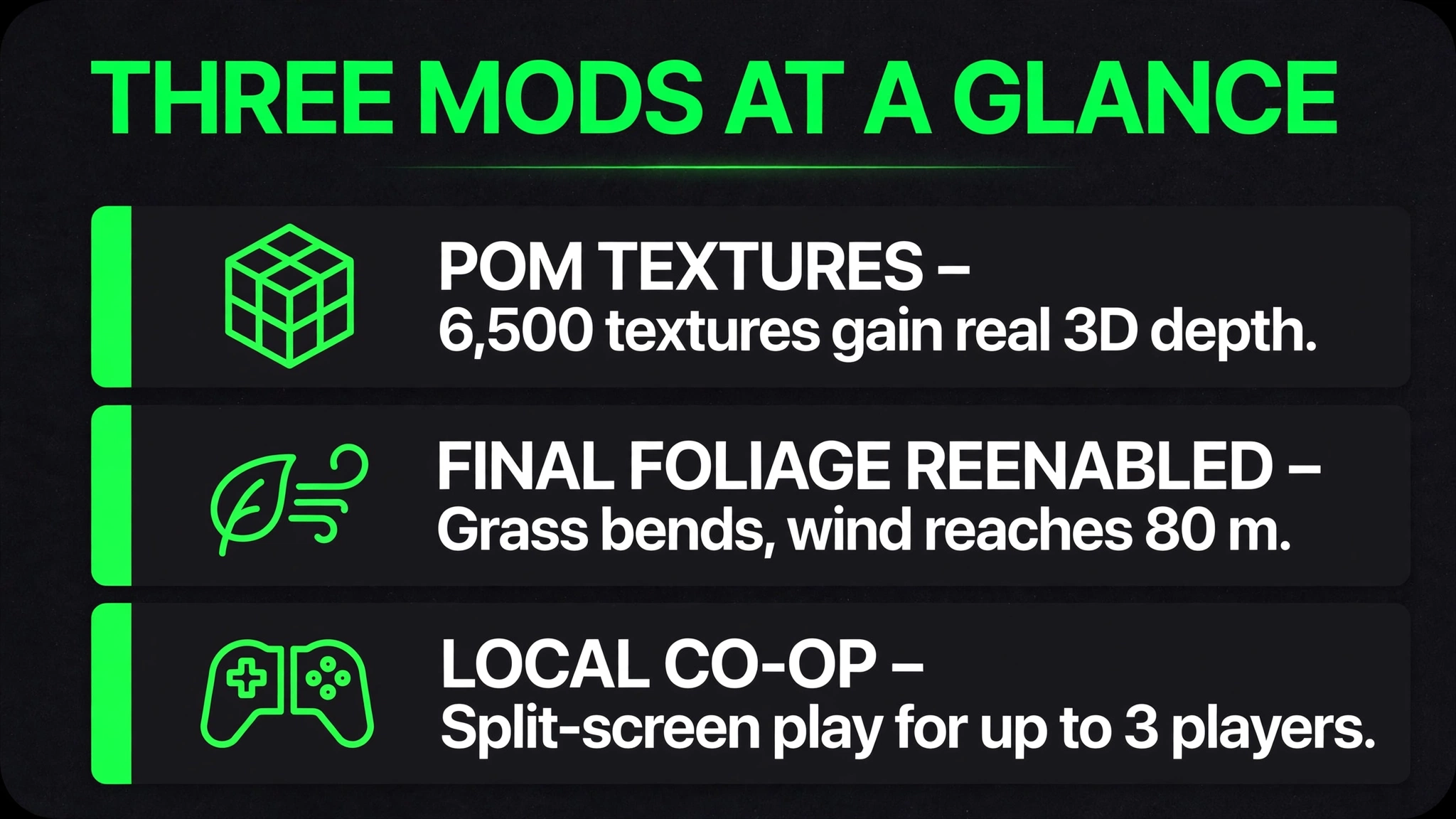
Three Mods at a Glance
Here is the short version before we go into detail. Each mod comes from a different author, each solves a different problem, and they all work together. If you only have time for one, pick the co-op mod. If you care about how the game looks, grab the other two as well.
| Mod | What It Does | Version |
|---|---|---|
| POM Textures by Xavi467 | Adds heightmaps to about 6,500 environment textures for real 3D depth and self-shadowing | 1 |
| Final Foliage Reenabled | Makes grass, flowers, and bushes bend as you walk through them, with wind reaching 80 meters | Latest |
| Local Co-op by DreusKB | Split-screen co-op for up to 3 players in battles and open-world exploration | 1.4.1 |
Local Co-Op for Up to Three Players
This is the headline mod, and it is easy to see why. Rebirth is a single-player game, and its party system always felt like it was built for more than one person. The Local Co-op mod by DreusKB makes that real. Up to three players can share one screen, and everyone takes part in battles and open-world exploration, not just combat.
Here is how it works in practice. Player 1 is always Cloud, or whoever the story has made the party leader for that part of the game. Players 2 and 3 take the characters in the second and third slots of the Combat Settings menu. Once another player has joined, you can hold the Select, Share, or View button to open the co-op menu and swap who controls each character. That matters because Rebirth loves to change the party leader from chapter to chapter, so if Barret or Yuffie takes the lead for a stretch, your friend can take over as Player 1 for a while.
The first chance to play together comes early. During the intro, Cloud is joined by Sephiroth in his flashback, so a second player can take control of Sephiroth right there. Co-op only works when the party has more than one member, and it cannot start while the game controls the other party members during a scripted scene. That is a fair limit, and the mod is upfront about it.
A few details are worth knowing before you start. Mini-games stay single-player, but all connected controllers can take part at the same time, so you can work together or take turns. If you get left behind, maybe because the party leader started a fight before you arrived or a path got blocked, just double-tap the left analog stick to teleport to Player 1. The mod also includes an in-game options menu with screen layouts, combat and enemy scaling, and experimental features. One of those, called Scripted Sequences, is on by default, and the author says he trusts it enough to leave it on, while admitting he has not finished a full playthrough with it yet. Read its in-game description and judge it for yourself.
There are two performance notes, and both come from the author, not from us. First, the author recommends a GPU around RTX 3070 level as a bare minimum for 60 FPS in two-player split screen, combined with upscaling, and suggests capping to 30 FPS or using frame generation tools like Lossless Scaling if your card is weaker. Second, horizontal split screen is more demanding on your GPU than the vertical layout, and the multi-monitor option is more demanding still. Also note that NVIDIA frame generation does not currently support split-screen games, and it will leave extra player views as a black screen. The author is looking into a fix.
Fan projects like this are one of the best things about PC gaming. We have seen the same spirit in other corners of the hobby, from the first unofficial PC port of a PS5 game to fan projects that keep improving older Final Fantasy PC ports. Rebirth getting real local co-op from a single modder fits that tradition perfectly.
Foliage That Finally Moves
The second mod fixes something that has bugged players since the reveal trailer. In that first gameplay trailer, plants bent around the characters as they moved through them. In the finished game, most foliage just stands still. Final Foliage Reenabled switches that interaction back on, and the result is a world that feels alive in a way the vanilla game never quite manages.
Grass, flowers, and bushes now bend when characters walk through them. Sword swings and spells push plants out of the way too. The mod also fixes how far the wind reaches. In the unmodded game, plant wind stops after about 2.5 meters. With the mod, it reaches 80 meters, and plants that never moved at all now sway gently in the breeze. There are new sound and visual effects as well. You can hear soft rustling as you move through plants, and small bursts of leaves appear when you brush past them.
Everything is tunable. All settings live in a file called FoliageBend.ini, and changes apply as soon as you save the file, even while the game is running. You can set how much each plant type bends, how loud each type rustles, how often leaf bursts appear, how hard characters push plants, and how long plants take to spring back. If the grass is too loud, turn down its sound volume. If the bushes do not bend enough, raise their gain. If something breaks, just delete the settings file and a fresh default one is created next time you start the game.
One honest warning, again from the author: the performance hit can be big, from 5 to 30 percent in foliage-heavy areas, and the author is working on improvements. That is a real cost, so if you play on modest hardware, try the mod in the Grasslands first and watch your frame rate before you commit to it for a full playthrough.
Textures With Real Depth
The third mod is the quiet one, and it might be the most impressive piece of work of the three. POM Textures by Xavi467 adds a heightmap to the game’s vanilla textures to create a parallax occlusion mapping effect, the same kind of technique Crimson Desert uses on its terrain. In plain terms, flat surfaces start to look like they have real geometry.
In the base game, many surfaces only look rough or uneven. Stones, bricks, and cracks are just part of the texture, and the illusion breaks when you look at them from a low angle. The mod fixes this by making the game read height data for each pixel, so surfaces look like they have real depth. It also adds self-shadowing, which means sunlight can cast shadows inside cracks and gaps, and that makes stone walls, riverbeds, and cliff faces look far more real.
The scale is what stands out. The mod covers about 6,500 textures, including dirt, sand, rocks, cliffs, roads, walls, floors, tiles, and wood. The best part is that it uses the game’s own textures. It does not repaint or upscale anything, so the original art style stays exactly as Square Enix made it. Characters, props, furniture, cars, and plants are left untouched.
You can tune the effect to your taste. There are separate strength settings for towns and indoor areas, natural surfaces, and the low-detail ground in the Grasslands, plus a distance setting for how far away the effect fades out. You can even edit the settings file while the game is running and see changes within a second, and there are hotkeys to adjust strength and shadows on the fly or toggle the effect off for a before and after comparison.
The mod needs game version 1.0.0.5, which is the current Steam version. It works fine alongside Final Foliage Reenabled, and there is a separate core file for that setup, so install the right one. It is also compatible with ShaderInjector and with HD texture packs, since it only replaces the surfaces that carry the height data.
How to Install the Mods
Installing all three takes a few minutes, but the co-op mod has one extra step, so do that one first. Here is the full rundown.
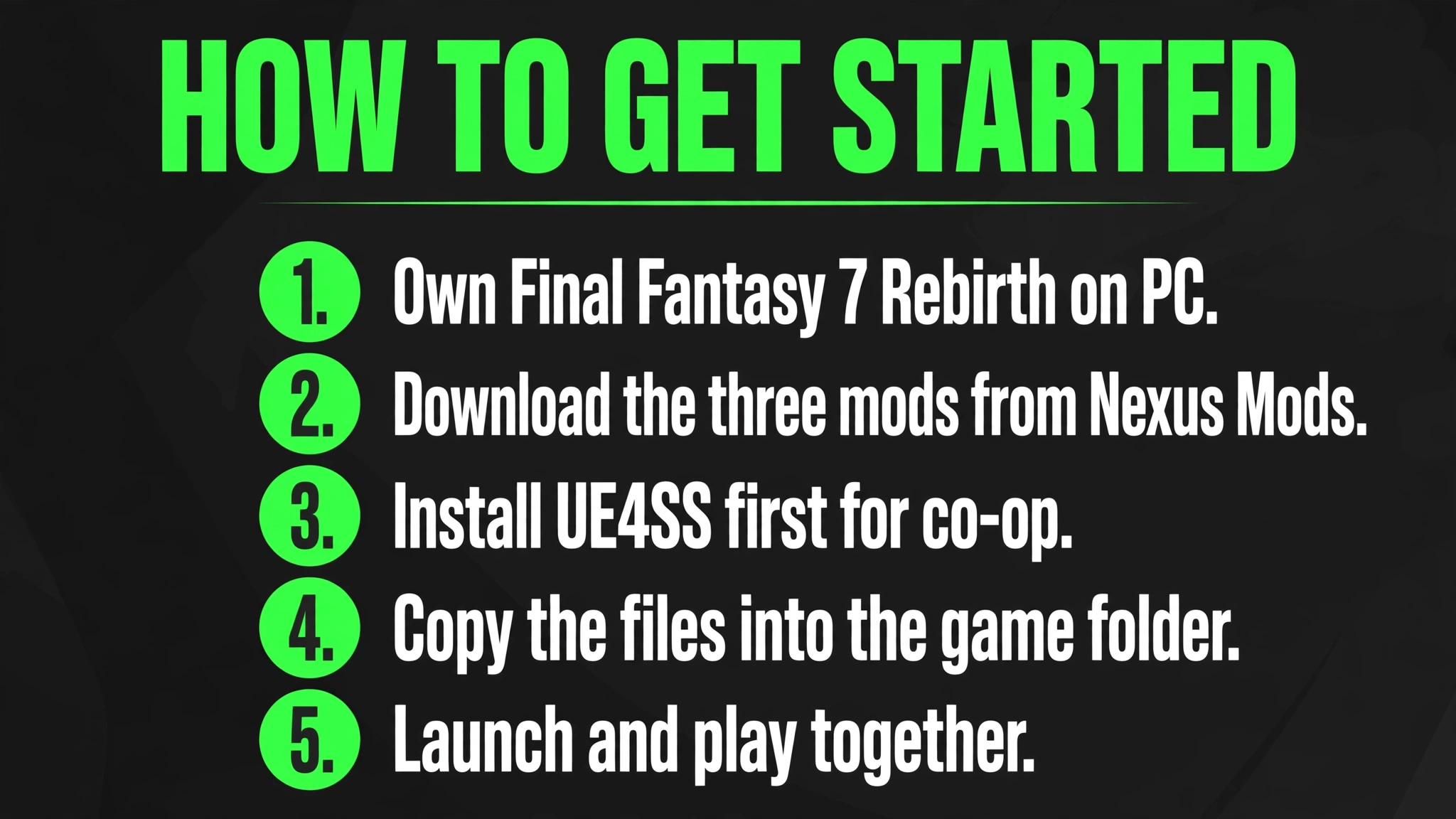
- Own the PC version. All three mods are for the Steam version of Final Fantasy 7 Rebirth. The co-op mod needs the latest version, v1.005, and the texture mod needs version 1.0.0.5.
- Download the three mods from Nexus Mods. Grab POM Textures, Final Foliage Reenabled, and Local Co-op. The texture mod comes in parts: pick one core file and download all three texture parts.
- Install UE4SS first for co-op. The Local Co-op mod needs UE4SS version 4.0.0, the 1.005 version. Copy its dwmapi.dll file and ue4ss folder into the End\Binaries\Win64 folder, next to the game executable. Then copy the co-op mod’s own ue4ss folder into the same place and replace the two files it asks about.
- Copy the other two mods into the game folder. For Final Foliage, unzip the download and copy its End folder into the game folder. For POM Textures, extract everything into the game folder so the files land in End\Content\Paks and End\Binaries\Win64. If you use Final Foliage, pick the POM core file made for it, not the vanilla one.
- Launch and check. If the co-op install worked, you will see a Co-op option on the main menu. Load a save, then press Start on your extra controllers to join.
Uninstalling is simple. Final Foliage only needs two files deleted, winmm.dll and zz_FinalFoliage_P.pak, and it never changes the game’s own files, so nothing else needs restoring. For the co-op mod, keep a backup of your save and the ue4ss.log file if you hit a bug, since the log gets overwritten on each start and the author asks for it in bug reports.
What to Know Before You Play
A few honest notes before you dive in. First, the co-op mod is still a work in progress, and the author says so himself. It is not perfect yet, there are known bugs, and the experimental Scripted Sequences option is exactly that, experimental. Treat it like an early release, not a finished feature.
Second, performance. The foliage mod can cost 5 to 30 percent of your frame rate in thick grass, and split-screen co-op roughly doubles the rendering work. If your PC is already close to its limit in Rebirth, start with the texture mod, which has no such warning attached, and add the other two one at a time.
Third, the usual modding care applies. These mods touch the game folder, so back up your saves first. Do not mix the two POM core files, and do not install mods that change the game executable alongside Final Foliage, since the author lists that as incompatible. And remember that modded play is a PC-only thing. None of this applies to the PlayStation version, which is part of why the PC version keeps getting better with age.
For context, this is the same community energy that has produced unofficial PC port projects for games that have no PC version at all. Rebirth already has a PC version, so its modders are spending their effort on making that version better instead of building one from scratch. Players are the winners either way.
Bottom Line
All in all, this is a strong week for Rebirth on PC. The co-op mod turns a solo adventure into a shared one, the foliage mod makes the world feel alive, and the texture mod makes it look deeper and more real. Three different authors, three different problems, and all three mods are free. If you own Rebirth on PC, there is no reason not to try at least one of them this weekend.
Source: DSOGaming