Gaming Laptop vs Desktop 2026: Which One Should You Actually Buy?
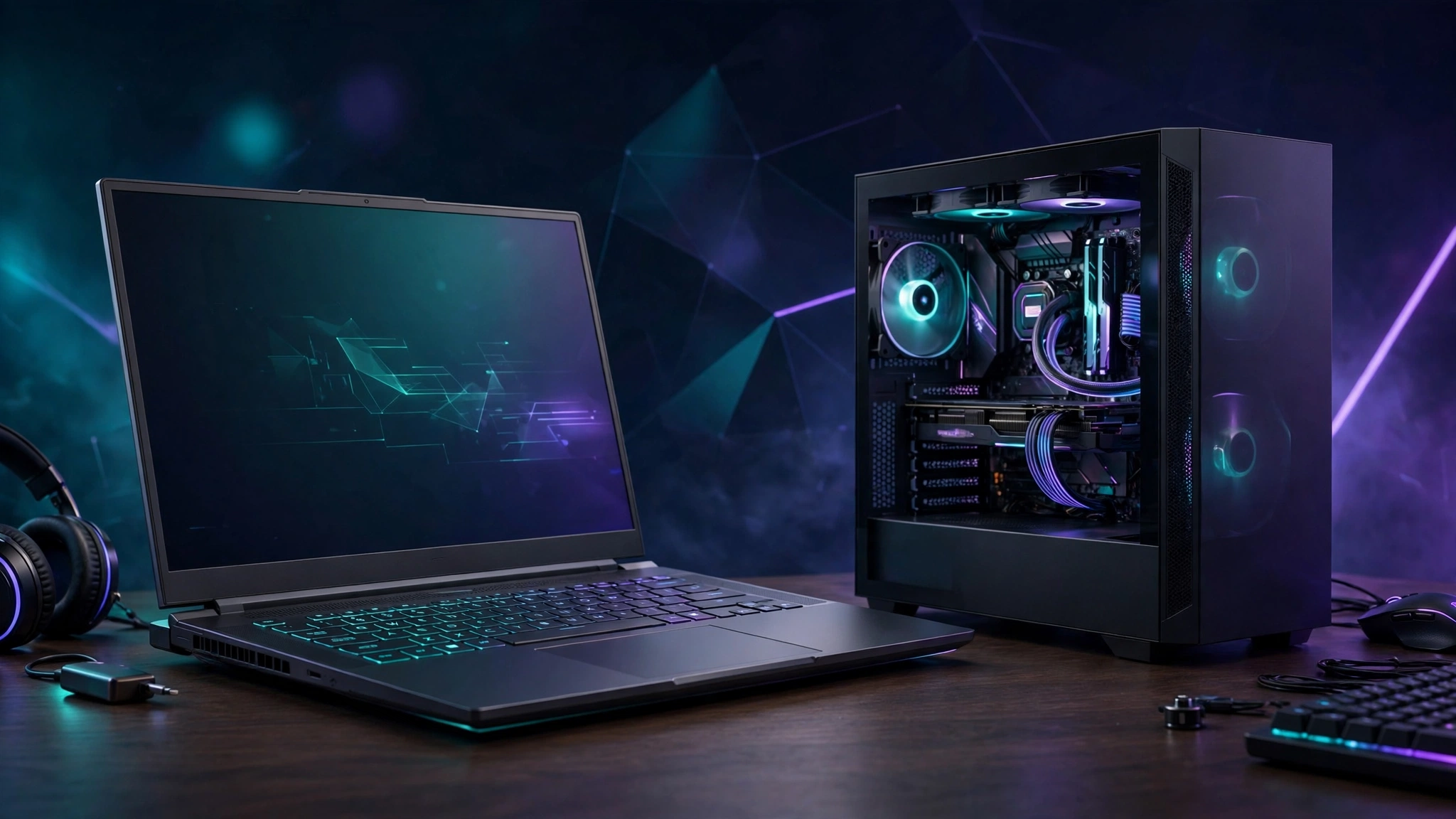
The laptop-vs-desktop debate never dies because there is no universal winner — only the right machine for your life. In 2026 the gap is narrower than it used to be: mobile GPUs are more efficient, laptop screens are excellent, and desktops are fighting back with brutal price-to-performance. This guide gives you the honest tradeoffs, no brand loyalty, so you can decide once and stop second-guessing.
Performance Per Dollar: Desktop Wins, Clearly
This is the least controversial point. A desktop RTX 5060 will always beat a laptop RTX 5060 — mobile chips are power-limited versions of the same names, and sustained performance depends on cooling a laptop chassis simply cannot match. Dollar for dollar, a desktop gives you roughly one GPU tier more than a laptop at the same price. Our budget gaming PC build would cost significantly more as an equivalent laptop, and the desktop will hold its performance for years longer.
Thermals and Noise: The Laptop Tax Nobody Mentions
Thin gaming laptops run hot and loud under load — that is physics, not a defect. Sustained gaming sessions push CPU and GPU temperatures into the 85–95°C range, fans spin up to jet-engine levels, and performance can throttle after 30–60 minutes in demanding titles. Desktops with a $35 tower cooler and a mesh case stay cool and quiet almost effortlessly. If you mostly game at a desk with headphones, this does not matter. If you game in a shared room or record/stream, it matters a lot.
Upgrades and Lifespan: Desktop’s Biggest Advantage
A desktop is a platform; a laptop is an appliance. On a desktop you can swap the GPU in three years, double the RAM, add storage, and replace the PSU — most parts of our 2026 budget build will still be useful in 2030. On a laptop, you can usually upgrade RAM and storage only. The GPU and CPU are soldered for life. A gaming laptop is a 3–4 year device; a gaming desktop is a 6–8 year platform with one mid-life GPU upgrade.
Portability: The Only Reason Laptops Exist (And It Is a Good One)
Here the laptop wins by knockout. If you are a student moving between dorm and home, someone who games at a friend’s place, or a person whose “desk” is a couch, a kitchen table, and occasionally a train — no desktop competes. Modern gaming laptops also double as genuinely good work machines: the same RTX card that runs your games accelerates video editing, 3D work, and AI tools. Do not underestimate this; the best gaming PC is the one you actually use.
The 2026 Price Reality Check
Two things changed the math this year. First, the memory price crisis hit laptops and desktops alike — 16GB DDR5 kits cost $250–300, and that pain is baked into both. Second, laptop GPUs now carry the same inflated street prices as desktop cards. As a rough guide for late 2026: a competent 1080p gaming laptop with an RTX 5060-class GPU starts where a noticeably faster desktop build ends. You are paying roughly a 30–40% portability premium for equal performance.
The Hidden Costs People Forget
The sticker price is never the full price. Desktops need a monitor, keyboard, mouse, and possibly a Windows license — a decent 144Hz 1080p monitor alone adds $150–200. Laptops include all of that, which narrows the price gap for a first-time buyer. On the other hand, desktops let you reuse peripherals across upgrades for a decade, while a laptop replacement means rebuying the screen and keyboard every time. And do not forget the desk itself: a desktop needs one permanently; a laptop works anywhere.
So, Who Should Buy What?
- Buy a desktop if: you game at one desk, want maximum FPS per dollar, care about noise and thermals, or want to upgrade over time instead of replacing the whole machine.
- Buy a gaming laptop if: you move around, need one machine for work/school and play, have no permanent desk, or value the all-in-one simplicity (screen, keyboard, speakers included).
- Consider both (used desktop + cheap laptop): a used desktop for heavy gaming plus a light laptop for everything else often costs less than one flagship gaming laptop — and performs better.
Buying Tips for Either Choice
- Laptops: check reviews for the specific model’s thermals, not just its spec sheet. A well-cooled RTX 5060 laptop beats a throttling RTX 5070 laptop. 16GB RAM minimum; make sure the screen is at least 144Hz.
- Desktops: never buy a prebuilt without checking the PSU brand and cooler — budget prebuilts hide their cheapest parts there. Building yourself? Start with our budget build guide.
- Either way: apply our maximum FPS settings and Windows 11 optimizations — free performance on any machine.
The Bottom Line
Desktop if you want the most frames, the quietest room, and a machine that grows with you. Laptop if your life does not fit on one desk. There is no wrong answer — only the expensive mistake of buying a desktop you never sit at, or a laptop that throttles through every game you love. Match the machine to your life first, the spec sheet second. For more hardware guidance, browse our PC Hardware section and the Gaming Tech guides.