Gaming Laptop vs Desktop 2026: Which One Should You Actually Buy?
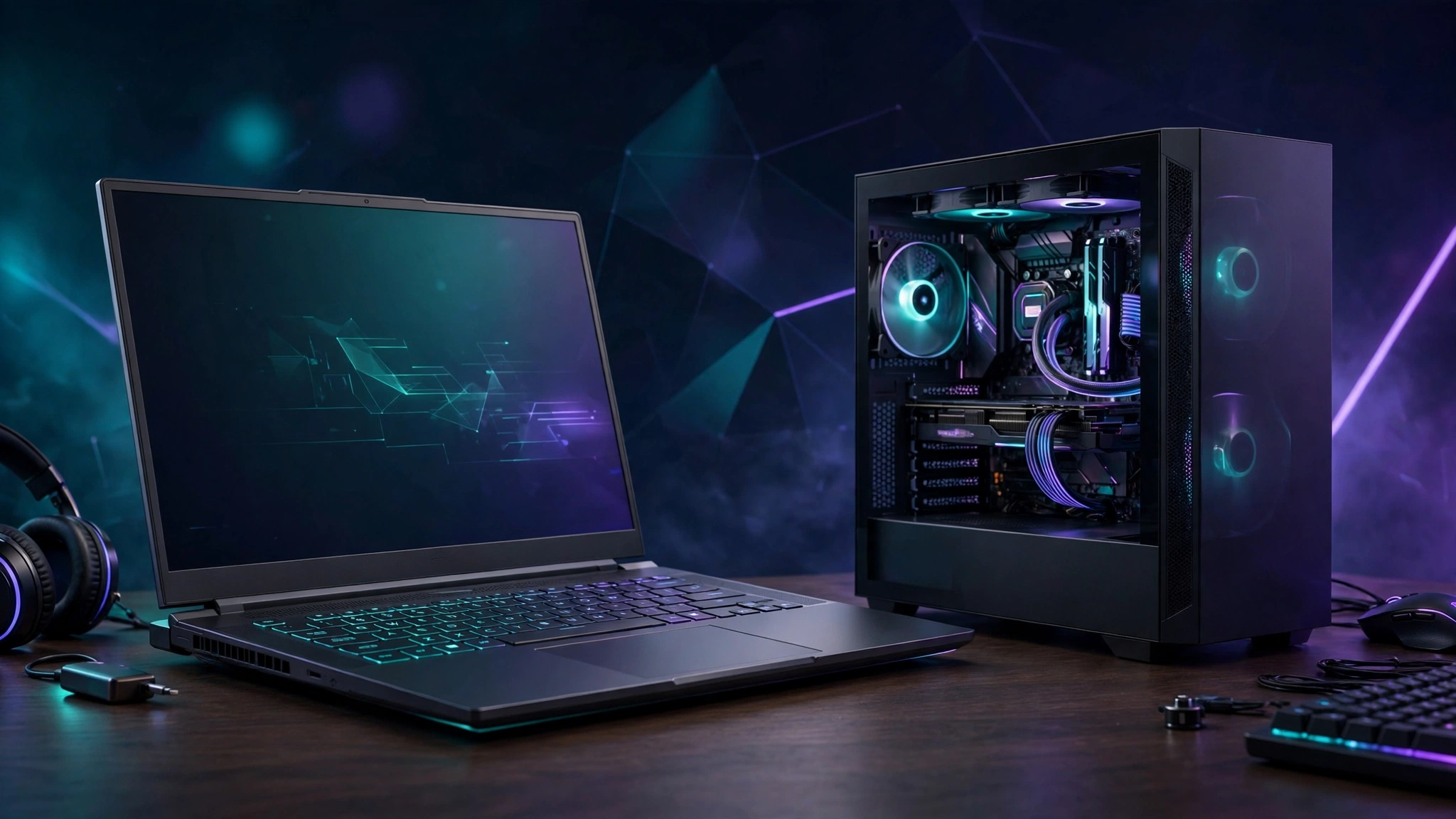
There is no universal winner in the laptop versus desktop debate. There is only the right machine for your life. A desktop usually gives you more performance for the same money. A laptop wins when you need to move. This guide lays out the tradeoffs in plain terms, so you can match the machine to how you actually live and play.
Start with one rule. Decide where you play first. Then look at specs. A powerful machine you rarely sit at is a worse buy than a weaker machine you use every day.
Topics in this guide
- Performance per dollar
- Thermals and noise
- Upgrades and lifespan
- Portability
- Total cost, not just sticker price
- Who should buy what
- Buying checklist for either choice
- FAQ
- Bottom Line
Performance per dollar
Desktops usually win here. A desktop has more room, more cooling, and a larger power budget than a laptop chassis. That headroom lets the desktop version of a graphics card sustain higher performance in demanding games.
Do not judge a laptop by its GPU name alone. The same laptop GPU name can run at different power levels in different models, and cooling differs from model to model. NVIDIA itself notes that performance will vary by model, and it lists a 115 W RTX 5060 Laptop GPU configuration in one of its own test notes. That figure is one example configuration, not a rule for every RTX 5060 laptop.
Before you buy a laptop, check the exact model. Look for its graphics power, its cooling design, and a review of that exact model. A well cooled lower tier laptop can beat a hot, power limited higher tier laptop in sustained play. The name on the box does not tell the full story.
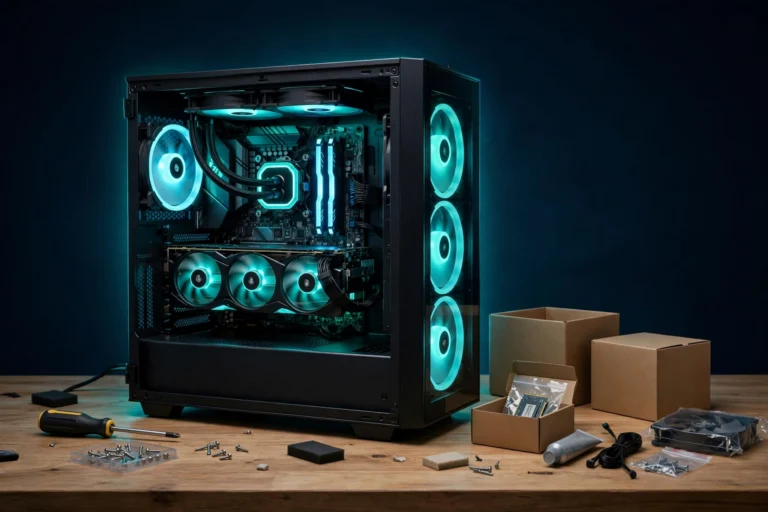
For a desktop starting point, see our budget gaming PC build. Compare its parts and its total cost against the laptop you are considering, including the extras in the total cost section below.
Thermals and noise
Laptop thermals vary hugely by model. Thin models run hotter and louder under load than thick models with larger cooling systems. Some laptops stay quiet enough for a shared room. Others get loud enough to bother people nearby. There is no single safe temperature number that applies to every laptop, so do not trust a guide that gives you one.
Check reviews for the exact model you plan to buy. Look for sustained load temperatures and fan noise, not just a short benchmark run. If you record or stream, noise matters more. If you play with headphones at a desk, it matters less.
Desktops have an easier job here. A larger case and larger fans can move more air at lower noise. That advantage holds in most cases, but it is not automatic. A small desktop case with poor airflow can still run hot. Check the case, the cooler, and the airflow before you assume a desktop will run cool and quiet.
If you want to keep an eye on your own card after you buy, use our guide on how to check GPU temperature. Judge the result against your own model’s guidance, not against a universal number from another machine.
Upgrades and lifespan
A desktop is a platform you can change over time. You can usually replace the graphics card, add RAM, add storage, and replace the power supply as parts age or as your needs change. That flexibility is the desktop’s biggest long term advantage.
A laptop is far more limited. In most models, you can upgrade RAM and storage only, and even that depends on the model. Some thin laptops solder RAM in place and offer no spare storage slot. The CPU and GPU are soldered in most gaming laptops and cannot be swapped later.
That does not mean a laptop is a bad buy. It means you should buy the laptop for the performance you need now, with some headroom, because you cannot fix a weak GPU later. For a desktop, you can plan a later GPU upgrade and keep the rest of the machine.
Lifespan follows the same logic. A desktop can stay useful longer if you upgrade parts along the way. A laptop stays useful as long as its fixed CPU and GPU still run the games you play. Neither outcome is guaranteed for a set number of years. It depends on the model, the games, and how you use it.
Portability
Here the laptop wins, and the win is large in the right circumstances. A laptop wins if you move between home and a dorm, play at a friend’s place, or have no permanent desk. A desktop wins only if you play in one place, because it cannot move with you in any practical sense.
A laptop also works as one machine for work, study, and play. The same machine that runs your games can handle editing, study, and everyday tasks. That matters if you want one device and one set of files, not two machines to keep in sync.
Be honest about how often you actually move. If you travel once a year, portability may not justify the tradeoff in performance and upgrade options. If you move weekly, it may justify it easily. Match the machine to your real routine, not to a routine you wish you had.
Total cost, not just sticker price
The sticker price is never the full price for a desktop. A desktop needs a monitor, a keyboard, a mouse, and in some cases a Windows license. A laptop includes a screen, a keyboard, speakers, and a trackpad in the box. For a first time buyer with no peripherals, that narrows the gap.
Over time the balance shifts. Desktop peripherals can be reused across upgrades for years. A laptop replacement means you buy a new screen and keyboard again as part of the new machine. A desktop also needs a permanent desk and a fixed spot. A laptop works on a couch, a kitchen table, or a train seat.
Do not rely on old price claims when you shop. Prices for RAM, graphics cards, monitors, and complete systems change often. Check current prices for the exact parts or the exact laptop model at the time you buy, and add the peripherals you still need before you compare totals.
If you buy a monitor for a desktop, see our guide to the best gaming monitors by budget. Pick the monitor for your own games and your own desk, not for a spec you will never use.
Who should buy what
- Buy a desktop if: you game at one desk, you want the most performance per dollar, you care about noise, or you want to upgrade parts over time instead of replacing the whole machine.
- Buy a gaming laptop if: you move around, you need one machine for work or study and play, you have no permanent desk, or you value the all in one simplicity of a built in screen, keyboard, and speakers.
- Consider a split setup if it fits your budget: a desktop for heavy gaming at home plus a light laptop for everything else. In some cases this costs less than one flagship gaming laptop and performs better at the desk. In other cases it costs more and adds hassle. Run the numbers for your own situation before you assume either outcome.
Buying checklist for either choice
- Laptops: check reviews for the exact model’s thermals and graphics power, not just its spec sheet. Confirm whether RAM and storage can be upgraded on that model. Aim for at least 16 GB of RAM for modern gaming, and check the screen refresh rate and resolution for your own games.
- Desktops: if you buy a prebuilt, check the power supply brand, the cooler, and the case airflow. Budget prebuilts often cut costs in exactly those parts. If you build yourself, start with our budget build guide.
- Either machine: apply our maximum FPS settings and Windows 11 optimizations after you buy. Treat those guides as a starting point for your own machine, not as a promise of a set frame rate gain.
- Frame caps and sync: do not copy a frame cap or sync setting from another machine and expect the same result. Use a cap that matches your own screen and your own game, and only if your own setup supports it cleanly. If a setting causes stutter or input lag on your machine, change it back. Our graphics settings guide explains what each setting does so you can judge it for your own setup.
- If performance looks wrong: a low frame rate is not always a weak graphics card. Check for a CPU bottleneck with our guide on low GPU usage and CPU bottlenecks before you blame the machine you just bought.
FAQ
Is a gaming laptop always slower than a desktop with the same GPU name?
Not always, but in most same name comparisons the desktop has more power and cooling headroom, so it usually performs higher in sustained play. The laptop result depends on the exact model, its graphics power, and its cooling. Check the exact model, not just the name.
Can I upgrade a gaming laptop GPU later?
In most models, no. The GPU is soldered in place. Check your exact model’s manual before you buy if upgrades matter to you. In most cases, RAM and storage are the only practical upgrades, and even those vary by model.
What temperature should my gaming laptop run at?
There is no single number for every model. Thermals vary hugely by model, cooling design, and game. Use your own model’s guidance and reviews of that exact model, and use our GPU temperature guide to monitor your own card.
Is 16 GB of RAM enough for a gaming laptop in 2026?
For most modern games, 16 GB is a sensible minimum. It is not a guarantee for every game or every workload. If you stream, edit video, or run heavy multitasking alongside games, consider more RAM at purchase time, because you may not be able to add it later on your model.
Should I buy a laptop or a desktop if I only play at one desk?
In that case, a desktop usually makes more sense. You get more performance per dollar and more upgrade options, and you give up nothing you use. A laptop still makes sense at one desk only if you value its built in screen and keyboard, its smaller footprint, or the option to move it later.
Bottom Line
Buy a desktop if you want the most performance per dollar, the quietest room, and a machine you can upgrade part by part. Buy a laptop if your life does not fit on one desk, or if one machine for work, study, and play matters more than maximum performance. The expensive mistake is not picking the weaker category. It is buying a desktop you never sit at, or a laptop whose exact model throttles through the games you love. Match the machine to your life first, and the spec sheet second.
Start with our budget gaming PC build if you lean desktop, and our maximum FPS settings and Windows 11 optimizations once you own either machine.