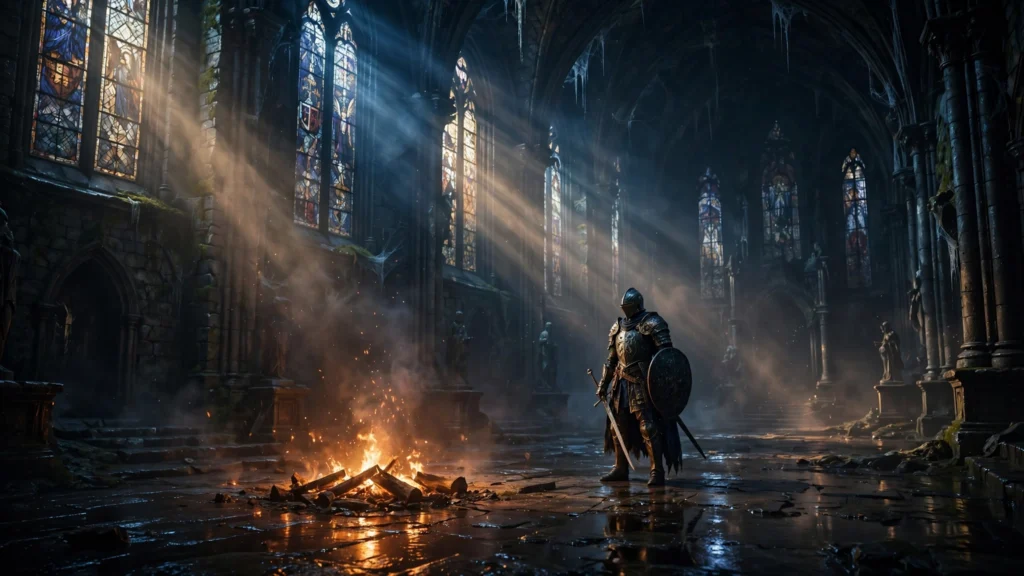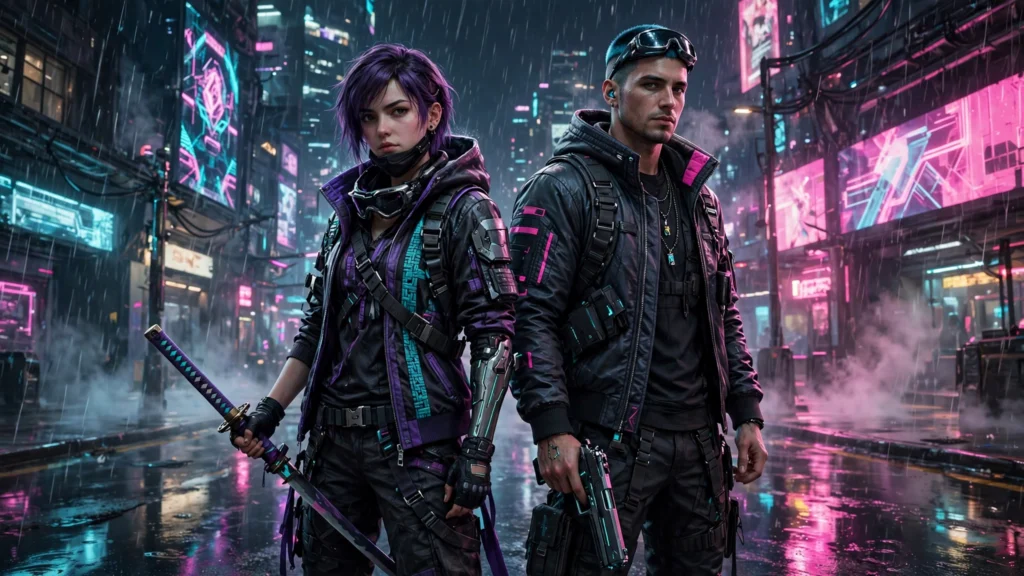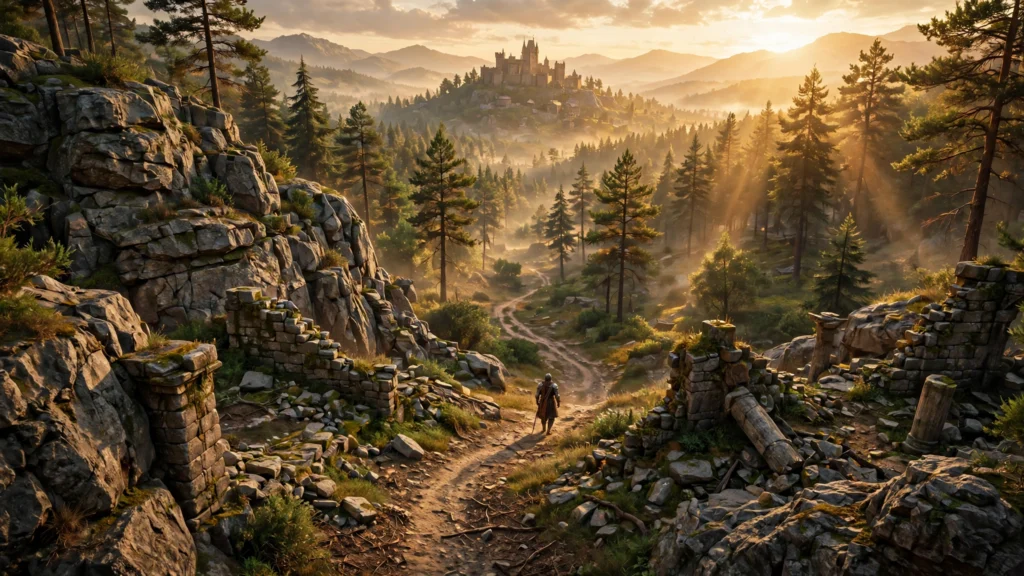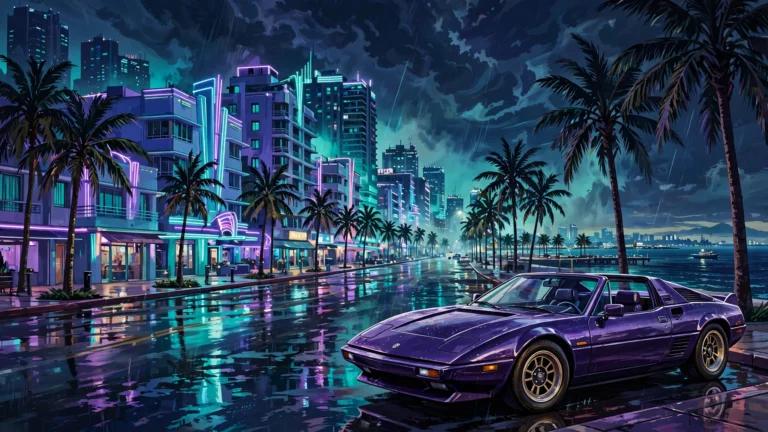
Dino Crisis 2 3DD Mod Gives the Classic a Full HD Remaster on PC
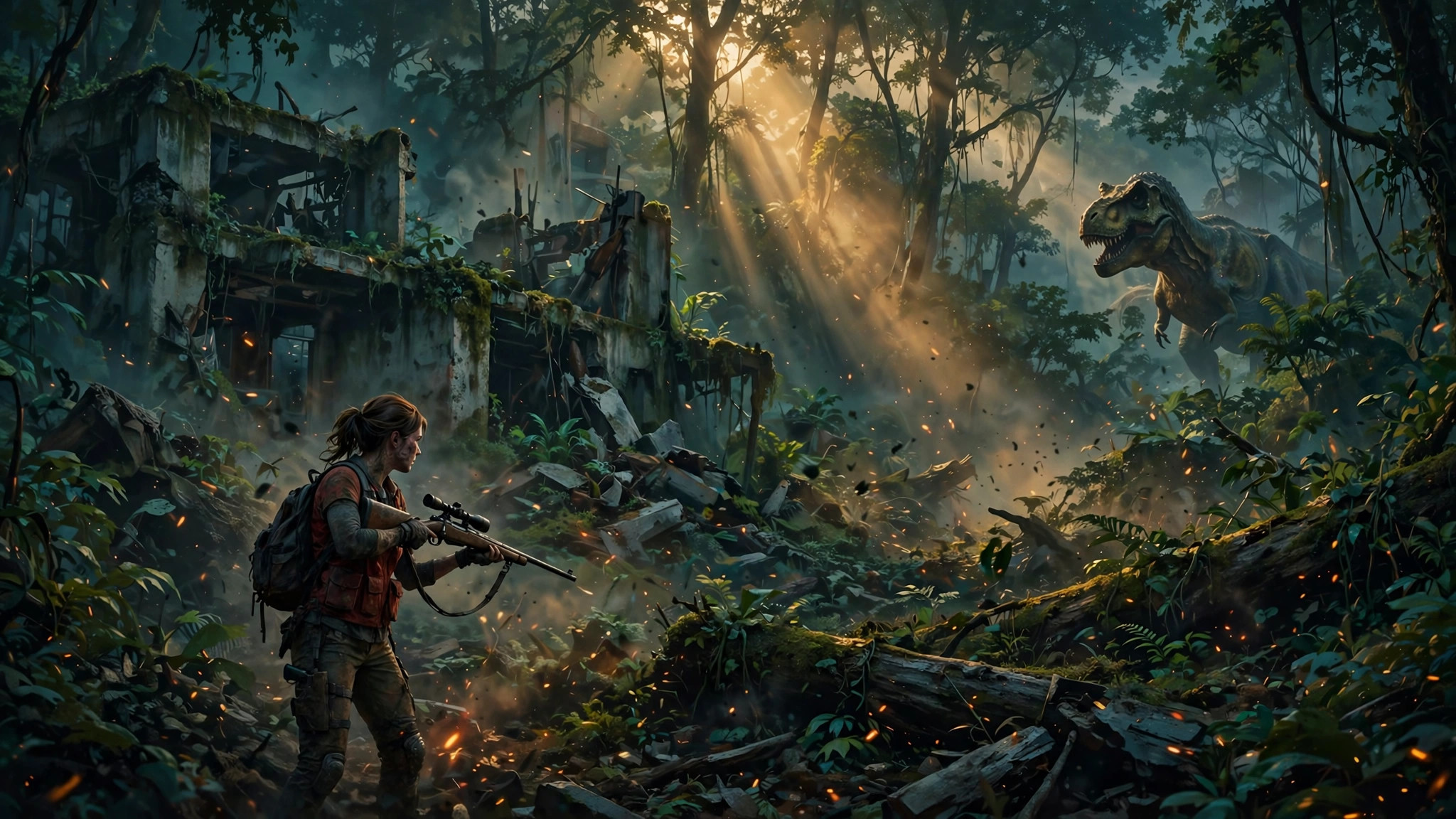
If you have been waiting for a reason to replay Dino Crisis 2 on PC, modder Suneater101 just gave you one. The new Dino Crisis 2 3DD Mod is a fan-made remaster for the GOG and Steam versions, and it rebuilds nearly everything you see: every room redrawn in high definition, new 3D models for Regina, Dylan, and all eleven dinosaur types, real shadows, 60 FPS animation for the new models, and a modern options menu with widescreen support. It is free, it leaves your original game files untouched, and you can switch back to the original look at any time with a single key press.
Dino Crisis 2 is the 2000 Capcom classic that swapped the first game’s slow horror for fast arcade action, and it has never received an official remaster. That gap is exactly what fan projects keep filling, and this one is the most complete attempt yet. It joins a run of fan projects we have covered, from the Bloodborne path tracing mod to the Dark Souls RTX Remix mod and the GTA 4 RTX Remix update. Here is what the 3DD Mod changes, what it needs, and what to know before you install it.
What the 3DD Mod Is
The 3DD Mod is a patch, not a replacement game. It sits on top of your own GOG or Steam copy of Dino Crisis 2 and upgrades the presentation while the story, rooms, puzzles, and game logic stay exactly as Capcom shipped them. Your saves are shared with the original game, and the movies, music, sound effects, and voices are the original ones. Version 1.0 arrived on Nexus Mods on November 15, 2026, and it supports the English builds of the GOG release (version 1.0 hotfix3) and the Steam release.
The scope is what makes this one stand out from the usual texture pack. The modder rebuilt the backgrounds, the character and dinosaur models, the lighting, the interface, and the controls in one package, and nearly every change has its own switch in the options menu. If a single effect does not suit you, turn it off and keep the rest.
Every Room Redrawn in HD
The mod updates all 86 rooms in the game and redraws all 1,165 camera views in high resolution. It also adds HD masks in front of each scene, so characters and dinosaurs move behind plants, rails, and pillars with clean edges instead of the rough cutouts of the original.
Small objects get the same treatment. Pickups, terminals, and other room details now carry HD textures, so the upgrade holds up when you stop and look around instead of only during the action.
New 3D Models and Living Faces
The old low-poly models are gone. The mod adds new 3D models for Regina, Dylan, David, Paula, the Colonel, the helmeted soldiers, and Gail and Rick from Extra Crisis. All eleven dinosaur types get new models too: Velociraptor, Oviraptor, Allosaurus, Tyrannosaurus, Giganotosaurus, Triceratops, Pteranodon, Inostrancevia, Mosasaurus, Plesiosaurus, and Compsognathus. Weapons, tools, the diving suit, the jeeps, and the tank get new models as well, and they still use the game’s original animations.
The new models also look more alive. Characters blink, move their eyes, and show their teeth and tongues, and their mouths match the words in cutscenes. Dinosaurs get the same care, with eyes that look around and blink, plus wet mouths. It is a small detail, but it does a lot to sell the new models in close-up scenes.
Lighting, 60 FPS Models, and Combat Effects
Lighting now comes from the game’s own light sources. That creates soft shadows on the models and real shadows of people, dinosaurs, and weapons on the ground. If you miss the old look, the original round blob shadows are one switch away in the options menu.
The HD models now move at 60 FPS. The game logic itself still runs at 30 FPS, just like the original, and the F7 key switches the models between 60 and 30 FPS. That split is honest about what a mod can change in a 26-year-old game, and the smoother model animation is still easy to feel in motion.
Combat looks much better as well. Blood sprays when a target is hit, dead dinosaurs leave pools of blood, and wounds and burns stay on their bodies. Fire and energy weapons light up nearby rooms and characters, so the flamethrower, burning enemies, the Solid Cannon plasma, and the Firewall all throw real light around the scene. The mod also adds glowing gun flashes, barrel smoke, 3D shell casings that fly out and stay on the floor, and debris from rocket blasts.
The world gets many small details too. Lava glows in caves, steam rises, water has bubbles and blasts, and large dinosaurs kick up dust as they move. Spores drift in the jungle and poison plants release gas. Even the tank has working tracks and a real cannon shot.
A Full HD Interface, and Extra Crisis Too
The upgrade covers the full game interface. The font, menus, HUD, map, status and inventory screens, shop, item and weapon pictures, files and photos, portraits, save and load screens, door transitions, mini-games, and title and result screens all get HD art. That matters more than it sounds, because the original interface is where an old PC port usually shows its age first.
Even the Extra Crisis modes get the same treatment. Dino Colosseum and Dino Duel arrive in HD too, with their menus and result screen rebuilt to match the rest of the game.
Modern Controls and Widescreen Support
The mod adds a new 3DD menu. Press F5, or the right stick on a gamepad, to open it. From there you can change every mod option, rebind all game actions and mod keys for keyboard and gamepad, and exit to the title screen or the desktop. The menu is in English or Russian, based on the language of Windows.
Controls get a modern option as well. You can keep the classic tank controls, or switch to camera-relative movement with the stick or the arrow keys. That one choice alone makes the game far easier to pick up if you never played it on a controller in 2000.
Widescreen support lets you crop the old 4:3 image to fit your screen. You can keep it centered or let it smoothly follow your character, and you can use the right stick to look around. For 4K displays, the game’s resolution list gains 4:3 modes up to 2880×2160.
You can even use your own movies. Place video files in the 3DD-Movies folder and the mod plays them in place of the game’s movies, at their own aspect ratio. The game files stay untouched, and you can switch between the original game and the mod at any moment with the F8 key. That changes the backgrounds, models, and interface all at once, and it is the fastest way to see how much work went into this upgrade.
How to Install the 3DD Mod
Installation is simple, and the installer checks its own work:
- Close the game.
- Unpack the whole mod archive anywhere on your PC.
- Run Install.cmd from the unpacked folder. It finds the game itself through its GOG record or your Steam libraries, asks which copy to use if it finds both, copies the files, and checks every one of them by checksum. No game file and no game setting is changed.
- Start the game as usual, then press F5 to open the 3DD menu.
The first start takes longer than usual, because the mod prepares pictures from your own game files and compiles its shaders. Later starts are fast. To remove the mod, run Uninstall.cmd from the 3DD-Mod folder inside the game folder. The game becomes the plain original again, and your saves are not touched.
| Requirement | What you need |
|---|---|
| Game | Dino Crisis 2 on GOG (version 1.0 hotfix3) or Steam (English build) |
| Operating system | Windows 10 or 11 |
| Graphics | Direct3D 9 card with shader model 3.0 |
| Free space | About 14 GB on the game drive, plus 1 GB for first-start files |
What to Know Before You Download
Two honest details are worth knowing up front. First, most of the art in this mod was made with generative AI tools and then fitted to the game with hand-made tools. The modder discloses this on the Nexus page: backgrounds, masks, interface art, and effect textures were redrawn from the original frames with OpenAI image generation through Codex, while the 3D models were generated with Meshy AI from reference images and then fitted to the original skeletons and animations. A few models, including the tank, were built by hand in Blender, and the mod engine and installer were written with the help of an AI coding assistant. Faces and on-screen lettering in the redrawn frames may differ from the original in small details, and the screenshots on the Nexus page are real in-game captures.
Second, this is a version 1.0 release tested on few PCs, so expect rough edges. Every improvement has its own switch in the 3DD menu, so turn off anything that looks wrong or costs too much speed on your graphics card, and report it in the mod’s Bugs tab with your graphics card and game version. Only the English game builds are supported. Another d3d9.dll in the game folder, such as ReShade, DXVK, or dgVoodoo, does not work together with the mod, though the installer saves your file and the uninstaller puts it back. Some antivirus programs may warn about d3d9.dll because it loads a second file that patches the game in memory. The modder notes that nothing is injected into other processes and nothing runs on its own, and lists SHA-256 checksums for the genuine version 1.0 files on the Nexus page.
One more thing to clear up: this mod has nothing in common with the upcoming third-person fan remake of Dino Crisis 2. This one is a remaster of the original game, not a rebuild of it. You can download the Dino Crisis 2 3DD Mod from Nexus Mods. Source: DSOGaming.
All in all, this is the most complete way to replay Dino Crisis 2 on a modern PC, and it costs nothing. Capcom has never given the game an official remaster, so a free fan project that rebuilds the rooms, the models, the lighting, the interface, and the controls in one package is the next best thing. If you own the GOG or Steam version, it is well worth a download.