KOTOR Academy Mod Gives Both Knights of the Old Republic Games Real-Time Jedi Academy Combat
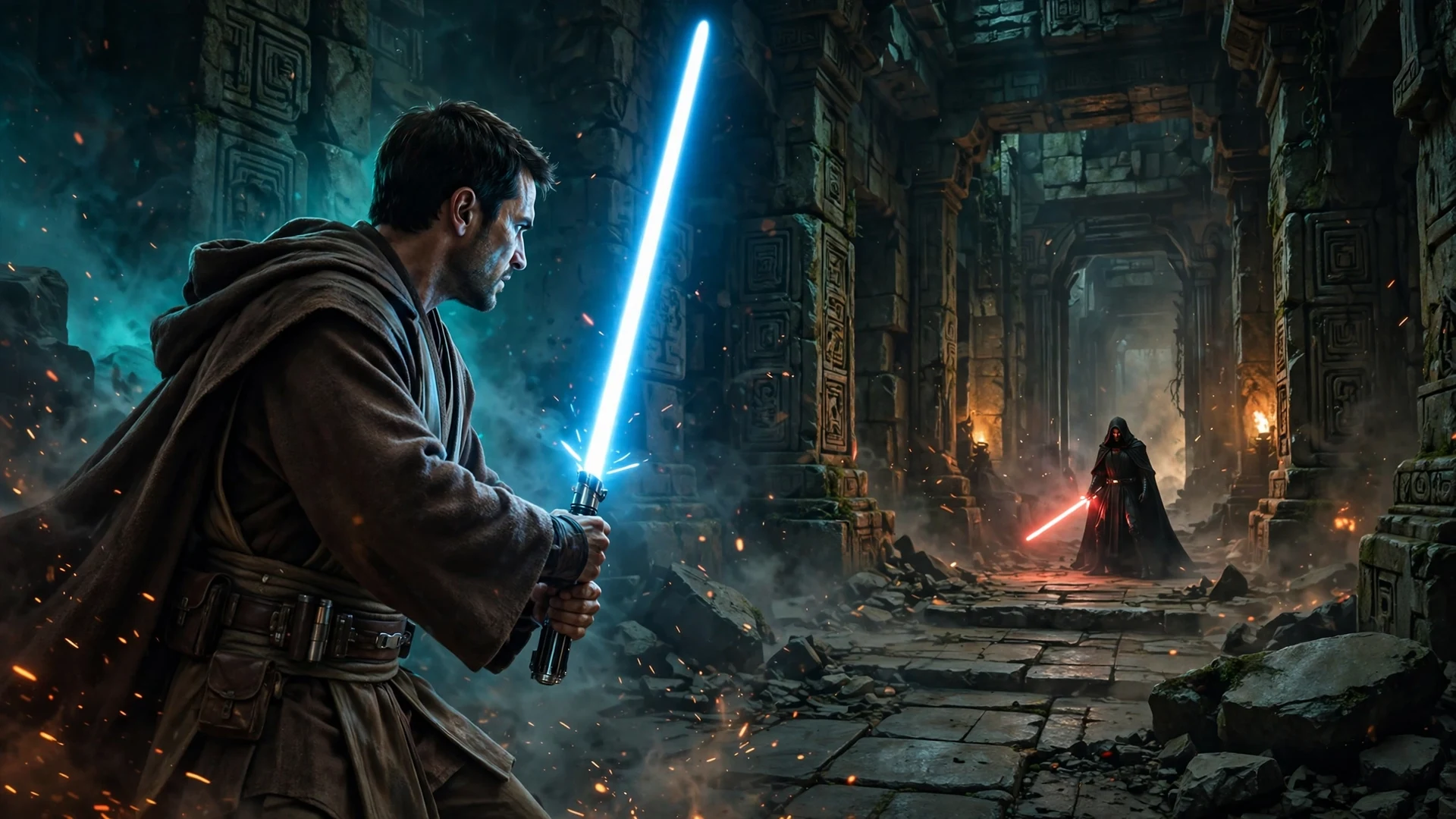
Now here is a mod that made me stop scrolling. Knights of the Old Republic has one of the best stories in Star Wars gaming, but its combat has always been a turn-based dice roll dressed up as a lightsaber duel. Modder Al1614 looked at that and decided to fix it. His KOTOR Academy mod drops the real-time movement and lightsaber combat of Jedi Knight: Jedi Academy straight into both KOTOR games, and you can play both full campaigns this way right now.
Yes, you read that right. You still get the same worlds, the same party members, the same gear, feats, and Force powers. What changes is the fighting itself. You swing the saber, you block, you dodge, and you cast Force powers in real time. If that sounds like the KOTOR remake we never got, that is because it is the closest thing to it, and it is free.
DSOGaming covered the mod today, and the GitHub project page has the full details. The first release landed on November 15, 2026. Here is what it changes, what you need to run it, and what is still rough around the edges.
How Combat Changes in KOTOR Academy
The biggest change is also the simplest one. In the original games, your attacks hit or miss based on a dice roll behind the scenes. A clean swing could miss for no reason you could see. KOTOR Academy throws that out. Your attacks hit when your weapon or shot actually touches an enemy. There is no dice roll that can make a clear hit miss.
Your character sheet still matters, though. Your attack bonus and the enemy’s Defense decide how much damage each hit deals, using the original game’s to-hit formula. Defense now reduces damage instead of making attacks miss. That keeps your stats, feats, and gear relevant while making every fight feel like something you control.
Defense is in your hands too. Here is what the new combat gives you:
- Hold Guard to block. Raise your lightsaber and stop incoming attacks instead of watching a dice roll decide for you.
- Time a perfect parry. Press attack at the right moment and you parry the incoming strike.
- Deflect blaster bolts. Your lightsaber can send blaster fire back the way it came, just like in Jedi Academy.
- Real-time Force powers. Force powers work in real time but keep their original effects and costs, so your build still plays the way you built it.
It is a clever split. The RPG systems stay KOTOR’s, and the fighting becomes yours. That is exactly the balance a mod like this needs to strike, and kudos to the modder for getting it right on the first release.
How KOTOR Academy Plays
The controls have been rebuilt for real-time play. You move with WASD and aim with the mouse, and you can switch between first-person and third-person views. Controllers are supported, and every control can be changed in the Options menu.
Everything you expect from an action game is here. You can switch party members on the fly, use items, pick Force powers, change saber styles, and lock on to targets. There is a Force power wheel and an item wheel for quick access mid-fight, plus quick save and quick load on F5 and F9. It plays like Jedi Academy, because under the hood that is what it is built on.
The mod supports both games’ full campaigns. You pick either game when you start the launcher, as long as you own the files it needs. Both main stories can be played from start to finish. That is a big claim for a first release, and the project page is honest that not every side quest and story scene has been tested by hand yet. Some players will run into bugs. That is the price of an early release, and the modder says so plainly instead of hiding it.
What You Need to Play KOTOR Academy
KOTOR Academy is a free, unofficial, non-commercial fan project. It contains no files from any game. It reads the games you already own, and it never changes anything in your game folders. You need three things on your PC before it will start.
| What you need | Notes |
|---|---|
| Knights of the Old Republic II | Always needed, even if you only want to play KOTOR I, because the mod draws its menus with KOTOR II’s files |
| Star Wars Jedi Knight: Jedi Academy | Provides the real-time movement and combat engine |
| Movie Duels mod | Free Jedi Academy mod. Use Update 6 plus Patch AIO. Updates 7 and 8 have not been tested and may not work |
| Knights of the Old Republic I | Only needed if you want to play KOTOR I. With KOTOR II alone, you can play KOTOR II |
| Windows 10 or 11 | Plus a graphics card from roughly the last eight years. Steam copies are the only versions tested so far |
The project is built on the KJK engine, which combines the KOTOR and Jedi Academy engines, with OpenJK underneath. That is why the mod can keep KOTOR’s stories and systems while swapping in Jedi Academy’s combat. It is a fan project standing on more than twenty years of community work, and the credits page says so.
How to Install KOTOR Academy
Installation takes a few steps, and the order matters. The project page walks through it clearly, so here is the short version:
- Install the games. Install KOTOR II and Jedi Academy, plus KOTOR I if you want to play it, the normal way from Steam. Start each one once to make sure it runs, then close it.
- Install Movie Duels. Download Movie Duels Update 6 plus Patch AIO with automatic installation, and install it into your Jedi Academy folder. Do not use Update 7 or 8. They have not been tested.
- Download KOTOR Academy. Grab
KOTOR-Academy-alpha-windows.zipfrom the Assets section of the project’s Releases page. Do not use the green Code button. That downloads the wrong thing. - Unpack it. Extract the zip anywhere you like, for example your Desktop. Do not put it inside a game’s folder.
- Play. Double-click Play KOTOR Academy. The first run copies about 1 GB of Jedi Academy files into its own folder, then asks which game you want to play. Next time, just use the desktop shortcut.
One warning from the project page: Windows will show a blue box saying Windows protected your PC, because the program is new and unsigned. Click More info, then Run anyway. Another useful note: the story movies need the free program FFmpeg installed on your PC. Without it, the movies are skipped and the game carries on.
A Practice Arena Lets You Test Your Skills First
Real-time combat is a big change from turn-based fighting, so the mod includes a combat practice arena. It is a room where you can fight practice battles without touching your story progress. You open it by walking up to a computer panel named Combat Practice and using it.
In KOTOR II, the arena works right away. You will find a panel beside the workbench in the medical bay where the game begins on Peragus, and another on the Ebon Hawk beside the workbench. In KOTOR I, the arena needs one extra mod, Duel Room Final 1.0, and the panels sit on the Ebon Hawk beside the workbench and at the Jedi Council on Dantooine. The story does not need the arena mod at all. Without it, KOTOR I plays normally and only the arena is missing.
This is a smart addition. KOTOR’s combat timing, blocking, and Force power use all feel different in real time, and a safe room to learn them beats dying to the first Sith trooper on the Endar Spire because you were still learning the Guard button.
Optional Visual Mods Make the Old Games Look Sharper
The mod also supports extra mods for better looks, and they are all optional. The games work fine without them. If you want the classic games to look a little less like 2003 and 2004, the project page lists the mods used in its own videos:
- Sharper world textures with Vurt’s KotOR Visual Resurgence.
- Better weapon models and lightsaber hilts with Weapon Model Overhaul and its Texture Rework.
- Revan’s robes and lightsabers with the Revan Items mod.
- Hooded Jedi robes in KOTOR I in the KOTOR II style, with JC’s Fashion Line I: Cloaked Jedi Robes.
You add these by copying their files into the mods folder inside your KOTOR Academy folder. The mod also reads the Override folder inside your KOTOR I and KOTOR II installs, so mods you already installed for the original games carry over. One detail worth knowing: texture packs come with small .txi files. Copy them along with the textures, or shiny armour can turn see-through. And decide on your mods before you start a playthrough. Changing them later can stop your saved games from loading.
Fan projects like this are part of a long tradition on PC, and KOTOR Academy sits right next to the other big community efforts we have covered. The Beyond Worlds mod drops the whole of Novigrad into Cyberpunk 2077, while the unofficial ports of Zelda: Ocarina of Time and Super Mario Odyssey show what the PC modding scene can do with console games. KOTOR Academy is the same idea applied to combat itself.
What Is Still Rough in This First Release
Let us be straight about this. KOTOR Academy is an early release, and the project page says so plainly. Both campaigns can be finished, but not every side quest and planet order has been played through by hand. If you go in expecting a polished remake, you will be disappointed. If you go in expecting an ambitious fan project that already delivers its core promise, you will have a great time.
Here is what to watch out for:
- Untested scenes. Some side quests and story scenes have not been tested by hand yet, so expect rough edges and the odd bug.
- Save compatibility. An update can make a save from an older version refuse to load, and changing files in the
modsfolder can break existing KOTOR I saves. - Movie Duels version. Only Update 6 plus Patch AIO has been tested. Newer versions may not work.
- Steam copies only. Only the Steam versions of the games have been tested so far. Other PC copies should work, but the modder wants to hear about it if one does not.
- Skipped movies. Story movies need FFmpeg installed, or they are skipped.
There is also a known quirk on the Endar Spire where Trask has to open the second locked door. Click Trask’s portrait to switch to him, look at the door, change the action from Open to Security, then use it. Small stuff, but the kind of thing that is worth knowing before you start.
All in All, the KOTOR Combat We Always Wanted
All in all, KOTOR Academy is the mod KOTOR fans have talked about for years. The original games have stories that still hold up, but their combat has always been the thing you put up with to get to the next story beat. This mod keeps everything that made the games great and replaces the one system that showed its age.
It is free, it is honest about being an early release, and both campaigns are already playable from start to finish. If you own KOTOR II and Jedi Academy on Steam, there is very little reason not to try it. Just install Movie Duels first, pick the right version, and keep a backup of your saves. The Force is strong with this one, and for once the fighting feels like it too.