An RX 9060 XT Melted Its 8-Pin Power Connector Even With a $300 Corsair PSU
A Radeon RX 9060 XT owner has found a melted 8-pin PCIe power connector on his graphics card, even though he was running it on a $300 Corsair power supply. The report is one of two fresh cases involving the same old connector, and both of them hit budget graphics cards that draw modest power.
The 8-pin PCIe connector has a reputation as the safe, boring part of a gaming PC. It has been around for years, it rarely makes headlines, and most builders trust it without a second thought. These two cases are a reminder that even the boring parts deserve a proper check.
What Happened to the RX 9060 XT
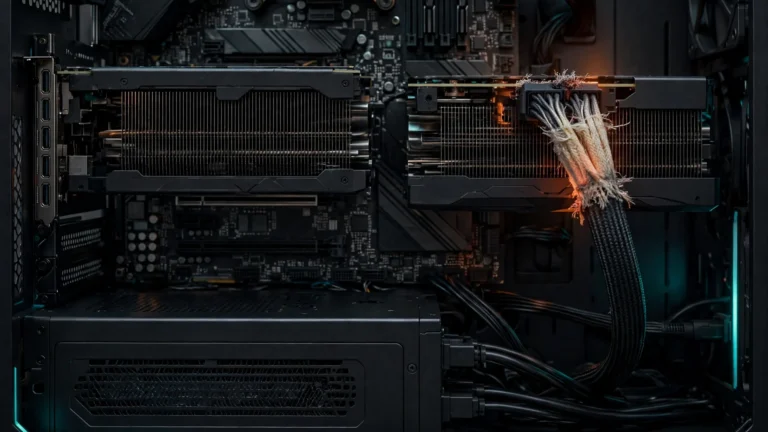
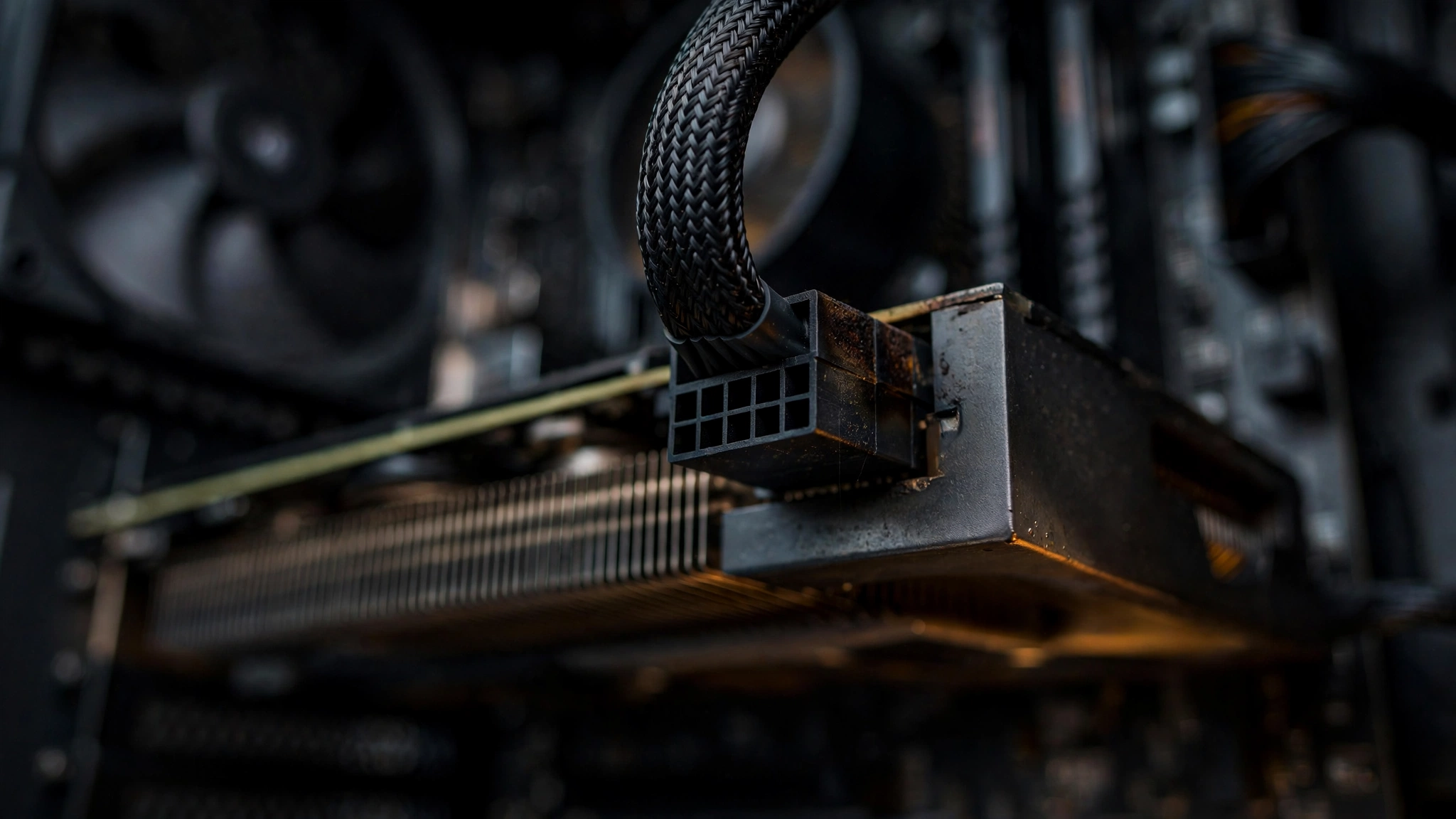
Reddit user u/ThanksKooky118 shared photos of his RX 9060 XT after discovering damage on its 8-pin power connector. The melting happened mostly on the cable side, but the connector on the graphics card itself also shows damage. Photos published with the report show a Sapphire card.
The surprising part is the setup. The owner was using a $300 Corsair power supply, which is a premium unit by any measure, and the cable was four years old. A cheap power supply is the usual suspect when a connector burns, but that explanation does not fit here. Wccftech reports that an improper connection may have been the culprit instead, with the cable possibly not seated fully in the card.
Four years is a long life for a power cable that gets plugged, unplugged, and bent around a case, but age alone does not melt a connector. A loose fit does. When a pin does not make full contact, the current squeezes through a smaller area, resistance climbs, and heat builds up exactly where the plastic is thinnest.
The RTX 5060 Ti Case Tells the Same Story
The second case involves a GeForce RTX 5060 Ti 16 GB, reported by Reddit user u/JudicialMuscle. His card was powered by a single 8-pin cable from a 750W Ant eSports power supply, a lesser-known Indian brand that makes peripherals and some hardware.
The owner first noticed something was wrong when his monitor showed no display. After getting some troubleshooting tips, he unplugged the graphics card and found a badly burnt connector. The damage covered both the graphics card socket and the cable connector.
In this case, the power supply is an easier target for blame, but another user pointed out a detail that matters more: the connector may not have been fully inserted into the graphics card port. That is the same suspected cause as the RX 9060 XT case. Two different cards, two different power supplies, and the same likely mistake.
Two Cases, Side by Side
| Detail | RX 9060 XT | RTX 5060 Ti 16 GB |
|---|---|---|
| Reported by | u/ThanksKooky118 on Reddit | u/JudicialMuscle on Reddit |
| Power supply | Corsair, around $300 | Ant eSports 750W |
| Cable | 4-year-old 8-pin cable | Single 8-pin cable |
| Damage | Mostly cable side, some damage on the card connector | Both the card socket and the cable connector |
| First symptom | Visible melting found on inspection | No display output |
| Suspected cause | Improper or incomplete connection | Connector possibly not fully inserted |
Why This Is Surprising
Melted power connectors are not new, but they almost always involve the newer 12-pin and 16-pin connectors used on high-end graphics cards. Reports about the classic 6-pin and 8-pin PCIe connectors are rare, and that is exactly what makes these two cases stand out.
The 8-pin connector is rated to deliver 150W, and the graphics card draws another 75W from the PCIe slot itself. That gives a card up to 225W through a connection that has two decades of use behind it. Both cards in these reports are budget models that, according to Wccftech, hardly draw more than 160 to 180W. Neither card was anywhere near the limit of what the connector is built to handle.
That is the key point. This is not a story about cards pulling too much power. It is a story about a connection that was not doing its job properly, and the heat that follows when it does not.
What Probably Went Wrong
Neither case has a confirmed single cause, and both reports come from community posts rather than lab testing, so any explanation is a likely cause rather than a proven one. Still, the pattern points in one direction.
- A loose connection: A plug that is not pushed fully home leaves part of the pin exposed. The current then flows through a smaller contact area, which heats up far more than a proper connection would.
- An aging cable: The RX 9060 XT cable was four years old. Old cables can develop wear at the pins and the housing, and a cable that has been bent tightly or pulled at an angle is more likely to sit badly in the socket.
- Heat with nowhere to go: A small hot spot inside a plastic housing builds temperature quietly. There is no fan and no sensor watching a power plug, so the first sign of trouble is often a smell, a dead display, or visible damage.
The power supply brand did not save either owner. One used a premium Corsair unit and the other a budget Ant eSports unit, and both ended up with a burnt connector. A good power supply protects against many failures, but it cannot fix a plug that is not seated properly.
How to Check Your Own GPU Power Connector
These two cases are rare, but the check takes two minutes and costs nothing. Do it the next time your case is open.
- Shut the PC down fully and switch the power supply off at the back. Unplug the power cable from the wall.
- Find the 8-pin connector on your graphics card and look at it closely. Check for brown or black marks on the plastic housing, warped pins, or a smell of burnt plastic.
- Push the connector firmly into the socket until the latch clicks. There should be no visible gap between the plug and the socket, and the plug should sit level rather than tilted.
- Check the cable itself. If the housing is cracked, the pins look dull or corroded, or the cable has been bent hard right at the plug, replace it.
- Do not force a damaged connector back in. A plug that looks burnt has already failed, and using it again risks the card.
- After reseating a healthy connector, boot up and keep an eye on things. If you want a baseline for normal behavior, here is how to check your GPU temperature while the card is under load.
What to Do If You Spot Damage
If your connector already shows melting or scorch marks, stop using the card until you know what failed. Do not keep gaming on it and hope for the best.
- Take clear photos of the damage on both the cable and the card before you touch anything else.
- Contact the graphics card maker first, and the power supply maker second. Both will want photos and the exact model numbers.
- Do not try to clean or repair a melted connector yourself. A damaged socket can short the card or the power supply the next time it powers on.
- Keep the damaged cable. It is evidence for a warranty claim, and the maker may ask for it back.
Bottom Line
Two owners, two different graphics cards, and two different power supplies all ended at the same place: a melted 8-pin connector that should have been the most reliable part of the build. The lesson is simple and cheap. A power plug that is not fully seated is a failure waiting to happen, and no power supply, however expensive, can fix it for you.
The 8-pin connector remains one of the most robust power connections in a PC, and cases like these are still rare. But rare is not the same as impossible, and a two-minute check is a small price to pay for a graphics card. If you are comparing these two cards, see how the RTX 5060 and RX 9060 XT compare in benchmarks. And if you want a reminder of how much damage a bad power connection can do, read about the routine cable check that saved $32,000 of RTX PRO 6000 GPUs from a 12V-2×6 meltdown.
Wccftech reports both cases, with photos from the two Reddit posts, in its November 16, 2026 story. Read the original report on Wccftech.