AMD FSR 4.1 Hits DOOM: The Dark Ages as the First Vulkan Game to Get Native Support
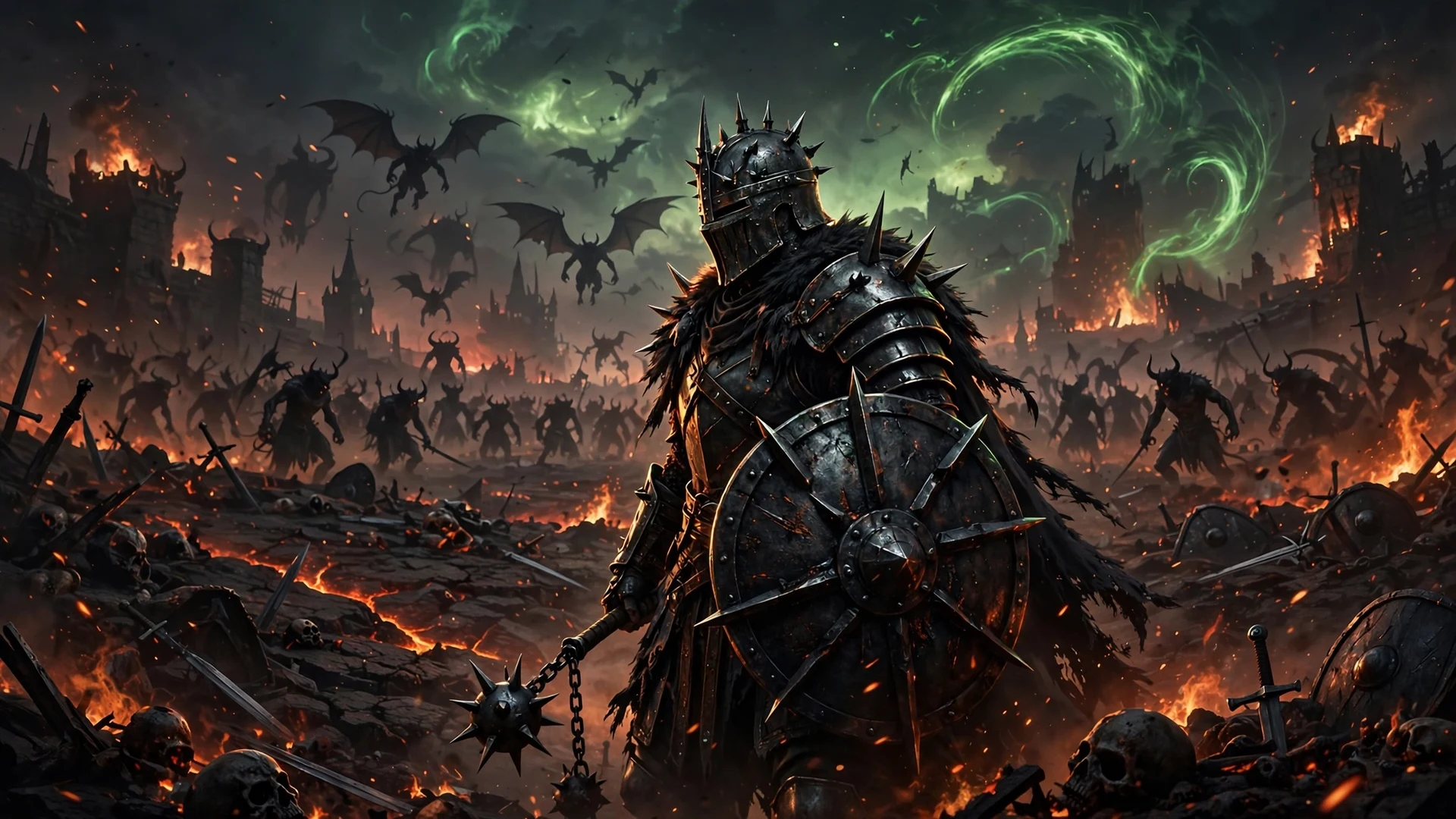
DOOM: The Dark Ages just became the first Vulkan game to run AMD FSR 4.1 natively. Update 5 adds FSR Upscaling 4.1 and Frame Generation 4 to the game on PC, and AMD confirmed the news itself, so Radeon owners no longer need third-party workarounds to get the company’s latest machine-learning upscaling into id Software’s demon-slaying shooter.
AMD Senior Vice President Jack Huynh announced the support in a November 16 post on X, calling DOOM: The Dark Ages the first Vulkan title to officially implement the new technology. The official patch notes for Update 5 back him up, and the same update throws in a brand-new Slaughter Mode for owners of the Revelations expansion.
There is a second part to the story too. AMD also shipped version 4.1.2 of its Unreal Engine FSR plugin, which carries the same upscaling improvements into far more games and onto far more GPUs. Here is what changed, which hardware gets what, and how to switch it on.
What Update 5 Adds to DOOM: The Dark Ages
Update 5 is a graphics-first patch for PC players, and the headline additions are all about upscaling:
- FSR Upscaling 4.1: AMD’s latest machine-learning upscaler, now running natively on Vulkan for the first time in any game.
- Frame Generation 4: AMD’s newest frame generation, available in the game on compatible PC hardware.
- FSR Frame Generation on Intel GPUs: id Software confirms the feature can now be enabled on Intel graphics cards that meet the hardware and driver requirements.
- Slaughter Mode: a new endless survival mode for Revelations owners, covered in detail below.
The patch notes list the new options under the PC-only video settings, where the FSR 4 setting and the Intel frame generation toggle now sit alongside the existing upscaling choices. If you already own the game, the update arrives as a normal patch, and the new options appear as soon as it is installed.
Why the Vulkan Debut Matters
To understand why this is a milestone and not just another patch note, you need a little background. AMD’s FSR SDK 2.4 introduced native Vulkan support in late October, but that alone changed nothing for players. Developers still had to take the updated SDK and integrate it into their games, and until one of them did, Vulkan titles were stuck outside the FSR 4 club.
Before this update, the only way to run FSR 4 in a Vulkan game such as DOOM: The Dark Ages was a third-party workaround like OptiScaler, often routed through a Vulkan-to-DirectX 12 compatibility path. That kind of setup works, but it is fiddly, it can break with a driver or game update, and it is not something most players want to maintain.
Native support removes all of that. The upscaler is now part of the game itself, selectable from the settings menu like any other option, with no modded files and no compatibility layer in between. DOOM: The Dark Ages was the natural first candidate because it runs on id Tech with Vulkan, and its arrival here proves the SDK integration path works in a real shipping game.
AMD has been widening frame generation support across its stack, including the AFMF 3 unlock for older Radeon cards, and this update continues that same direction: newer technology reaching more hardware instead of staying locked to the latest cards.
Which GPUs Get What
Not every Radeon card gets every feature, so here is the split exactly as AMD and id Software describe it:
| Feature | Supported hardware |
|---|---|
| FSR Upscaling 4.1 (machine learning) | Radeon RX 9000, RX 7000 and RX 6000 series GPUs, plus select Ryzen APUs |
| Frame Generation 4 (machine learning) | Radeon RX 9000 series GPUs and newer hardware only |
| FSR Frame Generation on Intel GPUs | Intel GPUs meeting the hardware and driver requirements (id Software does not name eligible models) |
| Unreal Engine plugin 4.1.2 upscaling | Radeon RX 6000 GPUs and newer, plus select Ryzen processors with integrated Radeon graphics |
The important detail is the breadth of the upscaling support. ML-based FSR Upscaling 4.1 reaches all the way back to the RX 6000 series, so owners of older Radeon cards are not shut out. Frame Generation 4 is the stricter feature, and its machine-learning version stays exclusive to the RX 9000 series and newer hardware.
The Unreal Engine Plugin Update
The second announcement matters more in the long run than the DOOM patch itself. AMD has released version 4.1.2 of its Unreal Engine FSR plugin, bringing the improvements from FSR SDK 2.4 to Unreal Engine 5.3 through 5.8. That is a wide range of engine versions, which means a large number of current and upcoming games can adopt the new upscaler without a major engine upgrade.
The plugin carries several specific changes:
- Wider GPU support: ML-powered FSR Upscaling 4.1.2 now reaches Radeon RX 6000 GPUs and select Ryzen processors with integrated Radeon graphics.
- Two neural-network models: AMD uses two INT8 models, a full implementation for compatible discrete GPUs and Ryzen AI Max processors, and a smaller optimized model for less powerful integrated GPUs and gaming handhelds.
- New frame generation: the plugin includes FSR Frame Generation 4.0.2 and Frame Generation Swapchain 4.0.0.
- Driver-Assisted Frame Pacing: on Radeon RX 9000 GPUs, the graphics driver can now handle final frame presentation timing, which AMD says can improve frame pacing consistency while reducing CPU overhead.
- Anti-Lag 2 update: AMD has also updated its Radeon Anti-Lag 2 Unreal Engine plugin to version 2.0.6, with performance and stability improvements.
There is one clear limitation. The Unreal Engine plugin currently supports DirectX 12 only. AMD introduced Vulkan compatibility in FSR SDK 2.4, but that functionality has not yet made it into the Unreal Engine plugin, so Vulkan-based Unreal games will have to wait for a later plugin release.
The pace of upscaling updates across the industry is fast right now. On the NVIDIA side, the DLSS 4.5 rollout is adding new features to supported games in the same way, and the War Thunder DLSS 5 update showed how quickly a new upscaling version can land in a live game once the tools are ready.
Frame Generation Now Works on Intel GPUs Too
The most surprising line in the Update 5 patch notes concerns Intel. id Software confirms that FSR Frame Generation can now be enabled on Intel GPUs that meet the necessary hardware and driver requirements.
Two caveats come with that. First, the developer does not specify which Intel models qualify, so owners will need to check whether the option appears in their own settings menu. Second, nothing in the announcement promises the machine-learning implementation on Intel hardware, so treat this as frame generation support rather than the full FSR 4 stack.
Even with those limits, it is a useful addition. Intel Arc owners who play DOOM: The Dark Ages get a new performance option they did not have before, and it arrives through the official patch rather than a workaround.
Slaughter Mode Arrives With Update 5
Update 5 is not only a graphics patch. It also introduces Slaughter Mode for owners of DOOM: The Dark Ages Revelations, and the mode is available at no additional cost to owners of Revelations, the Premium Edition, or the Premium Upgrade.
Slaughter Mode is an endless survival experience built around:
- Increasingly difficult encounters as the run goes on
- Randomized arenas that change the shape of each attempt
- Checkpoints that let a run continue after a setback
- Cosmetic rewards for players who push further into the mode
It gives the update something for players who already finished the campaign, and it lands on the same day as the FSR 4.1 support, so both groups of players get a reason to jump back in.
How to Turn On FSR 4.1 in DOOM: The Dark Ages
Getting the new options running takes only a few steps:
- Install Update 5 for DOOM: The Dark Ages through Steam or your store of choice.
- Update your graphics drivers to a version that supports FSR 4.1. Radeon owners should grab the latest AMD driver, and Intel owners should do the same for their Arc driver.
- Launch the game and open the video settings menu.
- Set the upscaling option to AMD FSR 4. The setting appears in the PC-only video settings listed in the Update 5 patch notes.
- If your hardware supports it, enable FSR Frame Generation from the same menu.
- Restart the game if it asks you to, then confirm the settings stuck before you start playing.
If the FSR 4 option does not appear, double-check that Update 5 actually installed and that your driver is current. On unsupported hardware the option simply will not show up, which is the fastest way to confirm where your card stands.
What This Means for PC Players
The headline is simple: the first native Vulkan implementation of FSR 4.1 is here, and it works without workarounds. DOOM: The Dark Ages owners on Radeon hardware get AMD’s latest machine-learning upscaler through the normal settings menu, and owners of cards as old as the RX 6000 series are included in the upscaling support.
The Unreal Engine plugin update is the part with the longer tail. By bringing FSR 4.1.2 to Unreal Engine 5.3 through 5.8 with support for older GPUs, integrated graphics, and handhelds, AMD has made it easy for a large number of developers to adopt the technology. Expect more games to follow DOOM’s lead in the coming months, including Vulkan titles once the plugin gains the Vulkan support that SDK 2.4 already has.
If you own a Radeon card and play DOOM: The Dark Ages, Update 5 is a free upgrade worth installing today. If you play on Intel Arc, try the new frame generation option and see whether it appears on your setup, but do not expect the machine-learning version. Either way, the workaround era for FSR 4 on Vulkan is over, and that is good news for every PC player still running older hardware.
News Source: Wccftech, with additional detail from AMD GPUOpen and the official DOOM: The Dark Ages Update 5 patch notes.