Gran Turismo 3 Unofficial PC Port Brings the PS2 Racing Classic to Windows
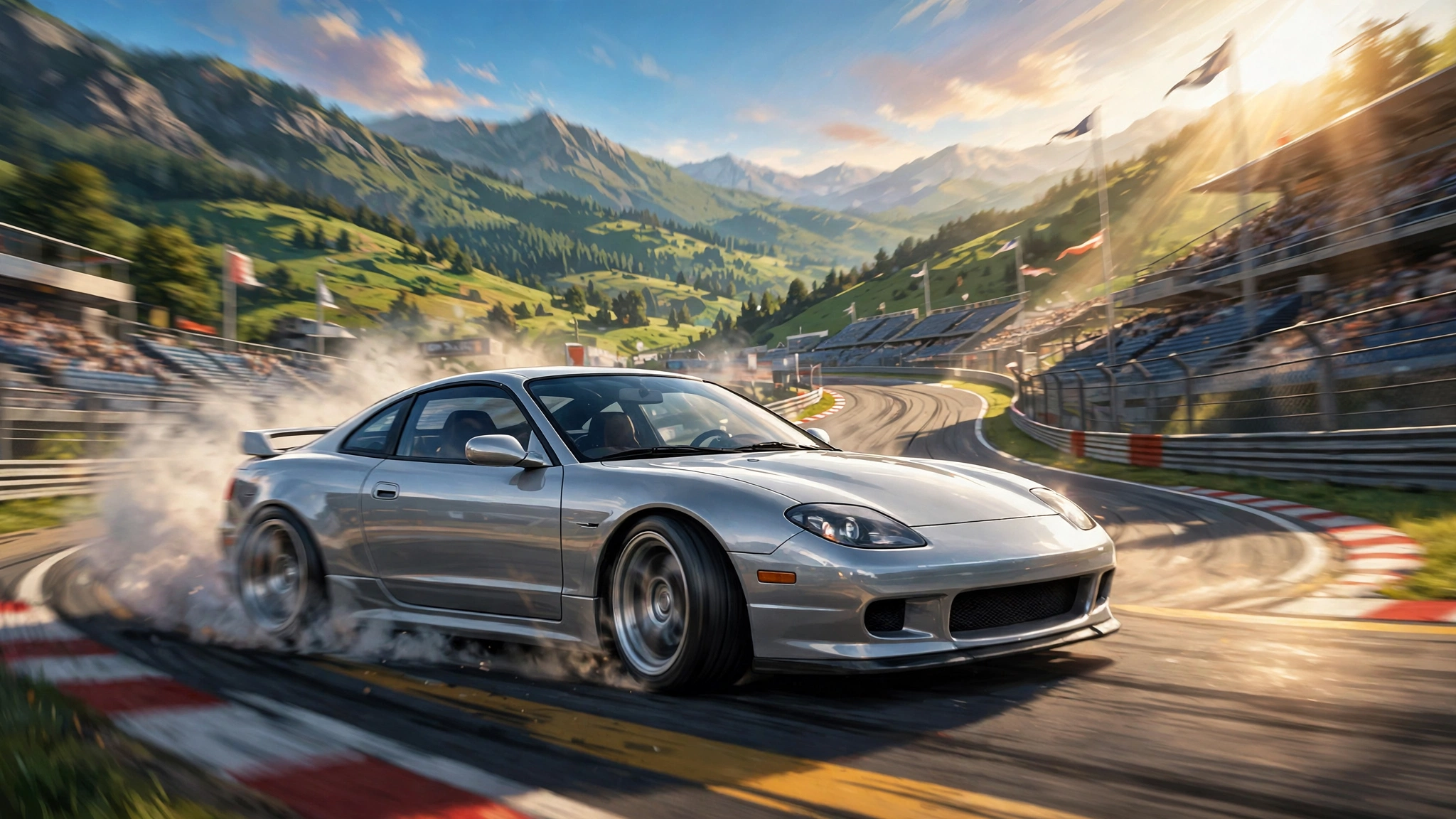
Gran Turismo 3 fans, the time has come. One of the best racing games on the PlayStation 2 finally has a proper home on PC, and it is not an emulator wrapper. A fan project called GT3 PC Enhanced rebuilds the game natively for Windows, with sharper graphics, high frame rates, and a long list of features the original could only dream of.
The project comes from developer Silentwarior112, and it is built on the Gran Turismo 3 decompilation. DSOGaming reports that the port is available to download now, and it aims for a faithful one to one match with the PS2 original, only better. You will still need your own copy of the game, because the download contains no game assets.
If you grew up with GT3, this is the version you always wanted. Here is everything the port changes, and how to get it running.
What Is GT3 PC Enhanced?
GT3 PC Enhanced is a native Windows port of Gran Turismo 3: A-Spec, built from decompiled source code rather than emulation. That matters, because a native port can fix the original game at the engine level instead of wrapping it in an emulator. The result is cleaner visuals, smoother performance, and features that were never possible on the PS2.
The project uses the GT3 Enhanced engine from the Gran Turismo 3 decompilation, with some extra backend work borrowed from Gran Turismo Concept, including replay camera behavior and HUD updates. Like the Project Gotham Racing 4 enhanced PC port, this is a real native port, not a repackaged emulator.
| Detail | GT3 PC Enhanced |
|---|---|
| Game | Gran Turismo 3: A-Spec (PS2, 2001) |
| Project | GT3 PC Enhanced by Silentwarior112 |
| Platform | Windows (native port, not emulation) |
| Based on | Gran Turismo 3 decompilation |
| Status | Available to download now (November 19, 2026) |
| Requirements | Your own copy of Gran Turismo 3 (no game assets included) |
Why Gran Turismo 3 Still Matters
Gran Turismo 3: A-Spec launched on PlayStation 2 in 2001, developed by Polyphony Digital, and it became the best-selling game in the entire Gran Turismo series. Polyphony Digital reports 14.89 million copies sold, which also makes it the second best-selling PlayStation 2 game ever, behind only Grand Theft Auto: San Andreas. Critics agreed with players: the game holds a 95 out of 100 score on Metacritic.
What made it stick was not the car count. GT3 shipped with around 180 cars, far fewer than Gran Turismo 2, because Polyphony spent the effort on detail instead of volume. Each car got a proper model and realistic handling, and the career mode built around license tests, championships, and multi-hour endurance races. The game offered 19 race courses, from Trial Mountain and Deep Forest to the real Laguna Seca.
For many players, GT3 was the first racing game that felt like a driving simulator rather than an arcade game. That reputation is why a native PC port matters so much in 2026: until now, the only way to play it on PC was emulation.
Graphics and Performance Upgrades
The headline change is the visual overhaul. The port reproduces the original graphics with more detail and clarity, and it adds a full set of modern rendering options:
- Resolution scaling with up to 400% supersampling
- FXAA, MSAA, and AGSS anti-aliasing options
- Up to 16x anisotropic filtering
- Adjustable car and road reflections, level of detail, and draw distance
- Dynamic aspect ratio with the HUD and field of view recalibrating automatically
- Adjustable field of view, a cockpit camera, and custom race cameras
Performance gets the same treatment. The port uses multi-threading to keep frame rates high and consistent, and it supports true high frame rate play. The developers also fixed the suspension ride height logic, so cars can run different front and rear heights, and brake models now move dynamically to stop the wheels clipping through them.
Native Port vs Emulation: Why It Matters
PC players have been able to run Gran Turismo 3 through emulation for years, so it is worth asking what a native port changes. An emulator wraps the original PS2 code and translates it on the fly. That works, but it means fighting with plugins, per-game settings, and the occasional visual glitch that no setting fully fixes.
A native port rebuilds the game from decompiled source code, so the fixes happen inside the engine itself. Frame rates stay consistent because the game runs as Windows software, not as a translated PS2 program. Features like 32-car grids, a cockpit camera, and split-screen on a second monitor are built into the port rather than bolted on through emulator hacks. Settings like supersampling and anisotropic filtering apply cleanly, because the renderer is a modern PC renderer.
Emulation still has its place. But for anyone who wants GT3 to feel like a PC game rather than a PS2 game inside a compatibility layer, the native port is the better option.
Racing Changes: 32 Cars, Clutch, and H-Pattern Shifting
The racing itself has been expanded in ways that change how the game feels:
- Up to 32 cars in a single race, up from the original limit of six
- Clutch support and H-pattern shifter support for racing wheels
- Realistic gear shift and rev cut modes
- Adjustable car grip, power, tire wear, and track surface settings
Three new challenge modes add extra goals on top of the career. In Money Decay, your cash drops each day. In Car Decay, your cars lose power over time. In Course Shrinkage, the tracks get smaller each day. Small touches help too: the garage can hold as many cars as you want, and you can buy cars that are not on sale or let any car enter the wheel shop.
Settings Menu and Split-Screen Play
The port adds a full in-game settings menu, opened with F2 or the Home button on a controller. From there you can change display, graphics, cameras, audio, controls, game settings, and challenge modes, plus developer settings and a debug camera that lets you move the view freely during races and in menus.
Split-screen play is also in, with horizontal and vertical layouts, and even a second monitor for the other player. Multi-monitor support is included as well. Controls cover keyboards, mice, controllers, and racing wheels, with button mapping and dead zone adjustment.
Mods, Textures, and Custom Music
GT3 PC Enhanced is built to be modded. Its launcher includes managers for mods, texture packs, and save files, and it supports:
- Texture replacement with dumping and pre-caching (F10 toggles the replacement window)
- Custom fonts in OTF and TTF formats
- Custom race music in MP3 and WAV, with automatic conversion of the old ADS music files to WAV
- A song changer during races, opened with M or Select on a controller
- Custom movies in standard H.264 MP4 format
- An engine plugin system that lets mod makers add their own game code and settings
The launcher itself is localized in nine languages, and game databases have been converted to standard SQLite format so they are easy to edit. One thing the project deliberately leaves alone is online play: the original I.Link feature is untouched, and the developers say online functionality will not be added.
How to Download and Install GT3 PC Enhanced
Getting the port running takes a few steps, but the launcher handles most of the work:
- Download the compiled package from the GT3 PC Enhanced GitHub page, or compile it from source with build.cmd.
- Open the launcher and extract the game files from any of the three main versions of Gran Turismo 3, or run the game from a disc file directly.
- Configure your settings in the launcher, then play.
Remember that you must supply your own copy of the game. The project ships no game assets, which is the same approach every other PC recompilation project follows.
What to Try First
If you install the port, here is a good first session. Start with a 32-car race on a track you know well, like Trial Mountain or Deep Forest, and turn the supersampling up. The jump from the original six-car grid to 32 cars changes the race completely, because traffic becomes a real part of the driving instead of a formality.
Then try split-screen with a friend, or hook up a racing wheel and test the clutch and H-pattern shifter support. The wheel support makes the license tests feel completely different.
Finally, spend a few minutes in the settings menu. Set your field of view, pick a camera, and load a custom music track before your next race. The original game is intact underneath all of it, so you can always turn the extras off and drive the 2001 version exactly as it was.
Why This Port Matters
Gran Turismo 3 is one of the most loved racing games ever made, and for years the only way to play it on PC was emulation. A native port changes the equation completely. It joins a growing list of fan ports, including the arcade-perfect ports of Daytona USA 2 and Virtua Fighter 3, and it shows how fast the decompilation scene is moving. If you enjoy these revival projects, our coverage of the Zelda Ocarina of Time remake PC port shows the same community effort at work on a very different classic.
All in all, this is the definitive way to experience Gran Turismo 3 in 2026. The original game is intact, the visuals are sharper, the racing is deeper, and the mod support means the community can keep building on it. If you still own a copy of GT3, dust it off. If you have never played it, this is the best excuse to start.
Source: DSOGaming and the GT3 PC Enhanced GitHub repository.